
The Real Cost of Manual Lead Management (And Why Most Startups Ignore It)
Most startup founders know they're losing leads. They just don't know how many, or how much it's costing them. When you're juggling product, hiring, and fundraising, a few missed follow-ups feel like an acceptable casualty. They're not.
A 2026 Salesforce study found that 78% of businesses lose potential customers because they lack a proper system to track, nurture, and follow up with leads. The average annual loss from missed follow-ups alone sits at $127,000. That's not revenue you never had — it's revenue that came to your door, knocked, and left because nobody answered in time.
The insidious part is that manual systems feel like they're working right up until they visibly fail. Your spreadsheet has everyone in it. Your inbox has every email. But leads aren't waiting around. According to InsideSales.com, a prospect is 21 times more likely to convert if you contact them within five minutes of their inquiry. Most manual workflows can't get close to that window.
CRM automation closes that window permanently. This guide breaks down exactly how — with real numbers, honest analysis, and a clear picture of where automation delivers the most time savings for startups.
What CRM Automation Actually Does (Beyond the Marketing Buzzwords)
CRM automation is not magic. It's a set of if/then rules applied consistently across your sales and marketing workflow. What makes it powerful isn't any single feature — it's the compounding effect of removing human error and delay from every repetitive touchpoint.
Lead Capture and Entry
Manual systems lose roughly 30% of leads at the entry point. Someone fills out a form at 11 PM, the notification lands in an inbox checked once a day, and by morning three competitors have already been in contact. Automated CRM systems capture web form submissions instantly, create contact records without human input, and trigger a response sequence within seconds. That 30% entry loss drops to under 4%.
Follow-Up Sequences
The research is unambiguous: businesses using CRM automation close deals 28% faster because follow-up happens on a defined schedule, not when a rep remembers. Automated sequences send the right message at the right interval — a day-one introduction, a day-three value email, a day-seven check-in — without anyone having to track it manually.
Task Assignment and Notifications
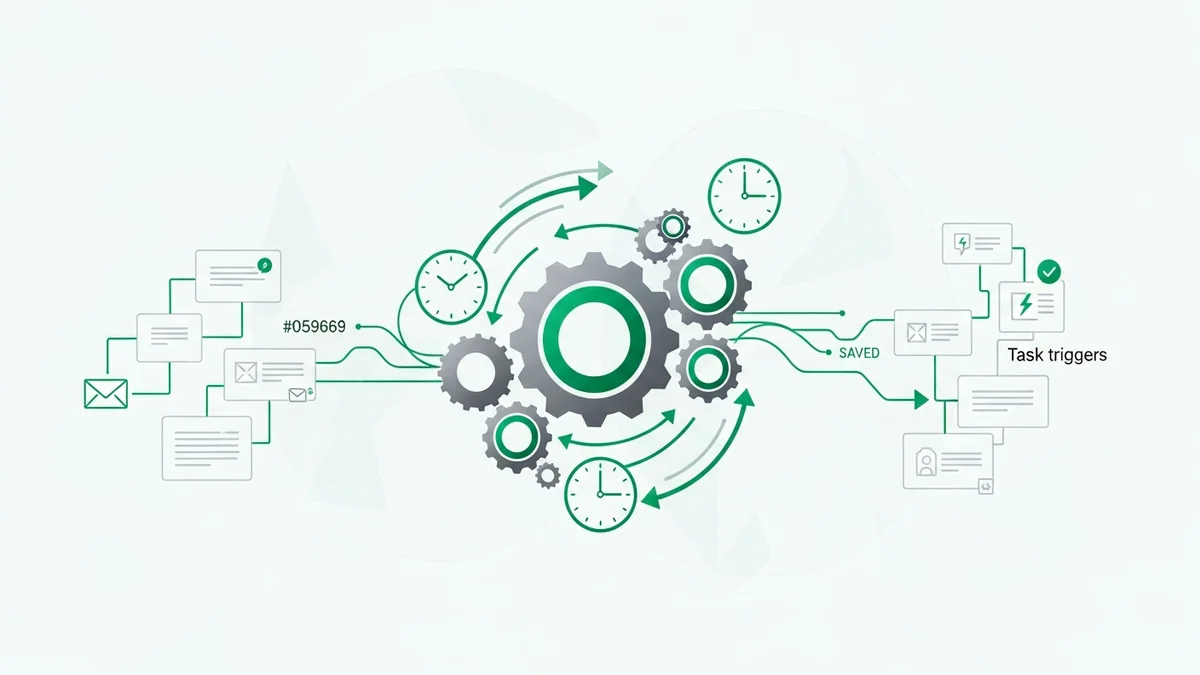
When a lead hits a certain score or takes a specific action (opens three emails, visits the pricing page, clicks a demo link), the CRM can automatically assign a task to the right rep and fire a notification. This means your sales team acts on intent signals rather than guessing who to call next.
Invoice and Billing Automation
Gartner research confirms that invoice automation improves cash flow management and reduces late payments. Modern CRMs can convert billable hours to invoices automatically, schedule recurring billing, and send payment reminders without anyone touching a spreadsheet. For startups billing on retainer or subscription models, this alone can recover hours of administrative work each month.
Reporting and Pipeline Visibility
Sales by 45% with better pipeline visibility is a stat worth taking seriously. Automated data entry means your pipeline data is actually accurate — which means your forecasts are actually useful. Manual systems degrade in data quality the moment a rep gets busy. Automation doesn't.
Manual vs. Automated: The Numbers That Should Change Your Mind
Let's make the comparison concrete. Take a B2B startup generating 50 inbound leads per month with an average deal value of $5,000.
| Metric | Manual System | CRM Automation |
|---|---|---|
| Leads successfully captured | 35 of 50 (70%) | 48 of 50 (96%) |
| Leads receiving proper follow-up | 15 of 35 (43%) | 45 of 48 (94%) |
| Overall conversion rate | 10% | 42% |
| Customers closed per month | 5 | 20 |
| Monthly revenue (at $5,000 ACV) | $25,000 | $100,000 |
| Admin hours per week | 20+ | Under 5 |
| Customer retention improvement | Baseline | +47% |
Newsletter
Get the latest SaaS reviews in your inbox
By subscribing, you agree to receive email updates. Unsubscribe any time. Privacy policy.
The $75,000 monthly gap in this scenario — $900,000 annually — comes from the same 50 leads the business was already generating. No additional marketing spend. No new traffic. Just a better system handling the leads that already showed up. That's the actual argument for CRM automation, and it's a strong one.
It's also worth noting that by 2026, 67% of organizations have implemented at least one automated process (McKinsey). If your competitors are in that majority and you're not, you're competing at a structural disadvantage.
The 15 Automation Features That Save the Most Time
Not all automation is equal. Based on what high-performing revenue operations teams are actually using in 2026, here are the features that deliver the most measurable time savings.
1. Project Templates
PMI research shows organizations waste 12% of their resources on ineffective project management. Standardized templates with predefined tasks, milestones, and resource allocation cut that waste dramatically. Every new client onboarding, every deal kickoff, starts from a proven framework rather than a blank page.
2. Automated Invoice Generation
Converting billable hours to invoices automatically, scheduling recurring billing, and triggering payment reminders removes an entire category of manual work from your finance process.
3. Intelligent Time Tracking
Always-visible timers that persist across views, direct time recording without starting/stopping manually, and automatic billable hour calculation feed accurate data into invoices and project profitability reports.
4. Workflow Automation
Creating projects from accepted estimates, assigning tasks automatically, generating documents, sending notifications — all without human intervention between steps.
5. Smart Task Dependencies
Dependent tasks that schedule themselves, prevent bottlenecks before they form, and give clear visibility into project timelines. This is particularly valuable for startups running client delivery alongside active sales.
6. Web Form Integration and Lead Assignment
Inbound leads captured directly into the CRM, scored, and routed to the right rep based on territory, product interest, or company size — automatically.
7. Automated Follow-Up Sequences
The single highest-ROI automation for most startups. Consistent, timed outreach that doesn't depend on a rep's memory or availability.
8. Client Portal Self-Service
Letting clients access documents, check project status, and submit requests without emailing your team saves meaningful support time at scale.
9. Multi-Currency and Payment Gateway Integration
For startups with international customers, automated multi-currency invoicing and payment processing eliminates an entire class of manual reconciliation work.
10. Custom Fields and Dynamic Forms
Tailored data collection with validation rules means clean data enters the CRM from the start — which means less time spent fixing records and more time spent acting on them.
How to Implement CRM Automation Without Wasting Six Months on Setup
The failure mode most startups hit with CRM automation isn't choosing the wrong tool — it's trying to automate everything at once. 2026 CRM trends point clearly toward consolidation and maturity: the winning approach is fewer tools, better integrated, with processes made measurable before they're automated.
Step 1: Audit Your Current Lead Flow
Map every point where a lead enters your pipeline. Website form, cold outbound, referral, event. Identify where leads fall through — typically at entry (never captured) or at follow-up (captured, never contacted). This takes a day and reveals where automation will have the most immediate impact.
Step 2: Start with Lead Capture and First Follow-Up
Automate the first 24 hours of the lead lifecycle before touching anything else. Instant capture from web forms, automatic contact creation, and a triggered first-touch email sequence. This alone recovers the leads lost at the entry point and addresses the 5-minute contact window.
Step 3: Build One Nurture Sequence
A single automated nurture sequence — 5 to 7 emails over 14 days — handles the leads that don't convert immediately. Don't build twelve sequences. Build one good one, measure it, then iterate.
Step 4: Automate Reporting Before You Automate More Outreach
You need accurate pipeline data to know if your automation is working. Set up automated weekly reports on lead volume, conversion by stage, and deal velocity before adding more workflow complexity.
Step 5: Expand to Task Automation and Invoicing
Once your lead-to-close automation is stable, extend into operational automation: task assignment, document generation, invoice creation, and payment reminders. This is where the 20+ hours per week in administrative savings materializes.
Which CRM Tools Handle Automation Best for Startups
The honest answer is that the best CRM for automation is the one your team will actually use consistently. Sophisticated automation built on a tool nobody logs into is worth nothing. That said, there are meaningful differences in how automation is implemented across the major platforms.
HubSpot CRM remains the benchmark for inbound lead automation. Its workflow builder is visual, genuinely intuitive, and covers the full lifecycle from form capture through deal close and customer nurturing. For startups running content-driven inbound, it's hard to beat. The free tier handles basic automation, and the paid tiers add the sequence depth most growing teams need.
ActiveCampaign is the strongest option if your automation needs are primarily email-driven. Its automation builder is more powerful than most CRMs at the same price point, with conditional logic and branching that lets you build genuinely sophisticated nurture sequences without an operations hire to manage them.
Pipedrive takes a deliberate approach: it automates the sales pipeline specifically, rather than trying to be everything. If your primary bottleneck is deal movement and follow-up — not marketing automation — Pipedrive's workflow automation is clean, fast to set up, and doesn't require extensive configuration to deliver value.
Salesforce is worth mentioning not because it's the right choice for most startups, but because its automation capabilities (particularly with Einstein AI in 2026) set the ceiling for what's possible. If you're post-Series B with a dedicated RevOps function, Salesforce's automation depth justifies its complexity. Before that point, the overhead usually outweighs the benefit.
Close stands out for startups with high-velocity outbound sales. Its built-in calling, SMS, and email sequences are tightly integrated in a way most CRMs achieve only through third-party connectors. If your team is making volume calls and following up via multiple channels, Close's native automation reduces tool sprawl meaningfully.
Zoho CRM offers the broadest automation feature set at its price point, including workflow rules, Blueprint process automation, and Zia AI for predictive scoring. It requires more configuration investment upfront than HubSpot or Pipedrive, but the ceiling is high and the cost-to-capability ratio is strong for startups watching burn.
The 2026 CRM landscape is moving decisively toward AI-assisted automation — tools that don't just execute predefined rules but surface insights, suggest next actions, and flag at-risk deals proactively. Whichever platform you choose, prioritize one that's actively investing in this direction. The gap between AI-native CRM automation and legacy rule-based automation is widening fast.
The bottom line: 91% of businesses that don't use CRM automation fail to scale, according to the research. That's not a cautionary stat for enterprises — it's a direct message to startups. The time you spend on manual data entry, missed follow-ups, and inconsistent outreach is time your competitors using automation are spending on closing. The math isn't subtle.