
Attio vs Folk CRM: Which Modern CRM Is Right for Your Startup in 2026?
If you've been shopping for a CRM and found yourself staring down a shortlist of just two tools — Attio and Folk — you're already making smart choices. Both emerged from the same frustration: legacy CRMs like Salesforce and even mid-market players feel overbuilt, overpriced, and wildly over-complicated for teams that just want to manage relationships and close deals. Attio and Folk are the antidote to that.
But they're not the same product. They made very different bets on what "modern CRM" should mean, and understanding those bets is how you pick the right one. This comparison breaks down exactly where each tool wins, where it falls short, and which type of team belongs on each platform.
What Are Attio and Folk, Really?
Both tools launched with a simple premise: CRM software doesn't have to be painful. Traditional platforms require weeks of onboarding, dedicated admins, and budgets that make founders wince. Attio and Folk both rejected that model — but they landed in different places.
Folk leaned hard into simplicity and personal relationship management. It's opinionated about what a CRM should be: lightweight, fast to start, and focused on individuals managing contacts and sending outreach. Its Chrome extension is one of the best in the business for pulling contacts from LinkedIn and Twitter without friction. If you've ever wished your CRM felt more like a smart address book than a data warehouse, Folk is what that looks like.
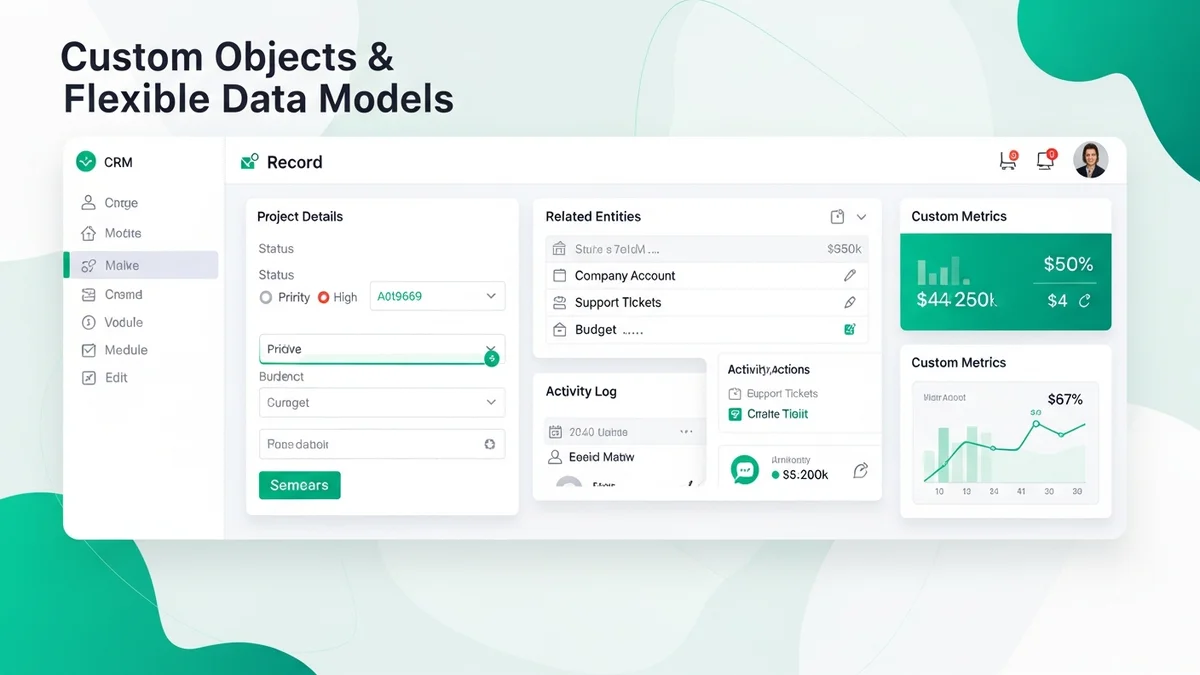
Attio took the opposite bet. Instead of simplifying the data model, it made the data model infinitely flexible. You can create custom objects for anything — investors, partners, deals, job candidates — and then build views, automations, and workflows on top of them. It's built for teams that want to design their CRM architecture rather than accept a default one. Think of it as a Notion-style database layer purpose-built for customer relationships.
Both interfaces feel modern and clean — closer to Notion or Linear than to HubSpot CRM — but the underlying philosophy couldn't be more different.
Feature-by-Feature Breakdown
Contact and Company Management
Attio wins on structured relationship mapping. Its company profiles are detailed, and it handles the relationship between a contact and multiple companies with more precision than most CRMs twice its price. If you need to track investors across portfolio companies, or contacts who move between organizations, Attio's data model handles that gracefully.
Folk's contact management is faster to use but shallower by design. Adding a contact is nearly frictionless — the Chrome extension lets you pull someone from LinkedIn in seconds. But if you need complex relational data structures, you'll feel the ceiling quickly. Folk is primarily contacts and companies with some customization; it doesn't offer the custom object layer that Attio does.
Customization and Data Architecture
This is Attio's biggest advantage. Custom objects let you build whatever data structure your business actually uses — not just what the CRM vendor assumed you'd need. A founder running a marketplace can track both buyers and sellers as distinct object types. A VC firm can model portfolio companies, funds, and LPs separately. This kind of architectural flexibility is normally the domain of enterprise tools like Salesforce — Attio brings it to a startup-friendly price point.
Folk customization exists but is more surface-level: custom fields, tags, and pipeline stages. That's enough for most small teams, but it doesn't compare to Attio's full object modeling. If you know you'll need more than contacts and deals, go to Attio before you outgrow Folk.
Email and Outreach
Folk has a clear edge here. Its email tracking is superior, and the platform was built with outreach workflows in mind. You can send personalized sequences, track opens and clicks, and follow up without leaving the CRM. For teams doing relationship-driven outreach at volume — sales prospecting, partnership development, investor updates — Folk's email tooling punches above its weight class.
Newsletter
Get the latest SaaS reviews in your inbox
By subscribing, you agree to receive email updates. Unsubscribe any time. Privacy policy.
Attio has email integration but it's not the core strength. If email sequences and deliverability analytics matter a lot to your workflow, Folk is the better fit.
Team Collaboration and Workflows
Attio is built for teams. Views, permissions, assignments, and automations all support systematic team processes. Multiple people can work inside the same CRM with clear ownership and visibility. The live collaboration model works well for sales teams where pipeline reviews and handoffs happen regularly.
Folk started more as a personal CRM tool and has added team features over time. It's functional for small teams, but if your use case is a sales team of five or more with defined stages and territories, Attio's team infrastructure is meaningfully stronger.
API and Integrations
Attio has the more complete API. For teams building custom integrations, connecting to data warehouses, or syncing with internal tooling, Attio gives you more to work with. If you're the kind of operator who wants to pipe CRM data into a Retool dashboard or webhook into a custom workflow, Attio is the right foundation.
Folk integrates well with common tools but isn't designed for programmatic customization. The Chrome extension is its signature integration — brilliant for what it does, but not a substitute for a robust API if your stack is complex.
Pricing Comparison
| Feature | Attio | Folk |
|---|---|---|
| Starting price | $34/user/month | $24/user/month |
| Free plan | Yes (limited) | Yes (limited) |
| Custom objects | Yes | No |
| Chrome extension | Basic | Excellent |
| Email sequences | Limited | Yes |
| Advanced automations | Yes | Limited |
| Native mobile app | No (mobile web) | No (mobile web) |
| API access | Full, robust | Basic |
| Best for | Teams building CRM infrastructure | Individuals and small teams, outreach-heavy |
Folk's $24/user/month entry point is a genuine advantage for early-stage teams watching burn. The $10 per user difference adds up fast at team scale — a team of eight saves nearly $1,000 per year on Folk versus Attio. That's real money at seed stage. But if Attio's custom objects and automation capabilities eliminate the need for one or two other tools in your stack, the math shifts quickly.
Neither tool is cheap compared to CRMs like Zoho CRM or Pipedrive, which offer more traditional CRM functionality at lower per-seat costs. The premium you're paying with Attio and Folk is for modernity, flexibility, and the absence of legacy bloat.
Who Should Choose Attio
Attio is the right call if your team is building CRM infrastructure with intent. You know you'll need to model complex relationships, automate multi-step workflows, or build views that answer specific business questions. You're not afraid to spend a few hours in configuration upfront because you know it pays off in a CRM that actually fits your process.
It's particularly well-suited for:
- B2B SaaS teams with deal stages, expansion tracking, and multi-contact account management
- VC and investor relations teams that need to model non-standard objects like funds, portfolio companies, and LP relationships
- Operations-minded founders who want CRM data to feed into other systems via API
- Teams of 5+ where shared pipeline visibility and permissions matter
If you've looked at Close or Salesflare and found them either too sales-centric or too rigid, Attio's flexible object model gives you the control to build something that fits without going full enterprise.
Who Should Choose Folk
Folk wins when simplicity is genuinely a feature, not a compromise. If your team needs to start managing relationships today — not after a configuration sprint — Folk gets you there in an afternoon. The zero learning curve is real, and for founders who just need to track conversations and send follow-ups without thinking about data architecture, Folk is legitimately the better tool.
It's the right fit for:
- Individual founders or operators managing their personal network, investor pipeline, or partnership relationships
- Teams of 1–4 where CRM is about staying organized, not building process infrastructure
- Outreach-heavy workflows where email sequences, contact importing from LinkedIn, and fast follow-ups are the core use case
- Early-stage teams that don't yet know what their CRM needs to look like and want to start somewhere without committing to a data model
Folk is also the honest answer for founders who've tried heavier platforms like ActiveCampaign or Monday CRM and found them overwhelming. Sometimes the right CRM is the one you'll actually use.
The Migration Reality (And Why It Matters)
One underrated factor in this comparison: both platforms have clean data models, which means migrating between them isn't a nightmare. If you start on Folk because it's simpler and later find you need Attio's custom objects and team automation, the transition is manageable. The harder question is whether you want to re-architect your CRM mid-growth.
The smarter move is to be honest about where you are right now. If you're pre-product-market fit and just need to track conversations, Folk is faster and cheaper. If you're post-PMF and building a repeatable sales motion with a real team, starting on Attio avoids a painful migration later.
What you want to avoid is the classic startup trap of starting on something too simple, then duct-taping workarounds until you finally migrate when it's genuinely disruptive. Pick the tool that fits your 12-month horizon, not just today.
Final Verdict
Attio and Folk are both excellent products. The choice isn't about which one is better in an absolute sense — it's about which one is better for how your team works right now.
Choose Attio if you're building systematic team processes, need custom objects, want a robust API, and are willing to invest setup time for a CRM that genuinely fits your business. It's the more powerful tool, and that power is worth it when you need it.
Choose Folk if you want to start immediately, your use case is relationship management and outreach rather than pipeline architecture, and you value the Chrome extension and email tooling over deep customization. It's the faster, simpler, and cheaper option — and for many startups, that's exactly right.
Neither is a forever decision. Both have clean enough data models that switching later is painful but survivable. Start where you are, not where you hope to be — and revisit the choice when the tool stops fitting.





