
Why Most Startups Get CRM Wrong From Day One
The typical startup CRM story goes like this: someone signs up for a free trial of a big-name platform, spends a weekend trying to configure it, gives up, and goes back to a shared Google Sheet. Six months later, when the team has grown to eight people and the pipeline is a mess, they start the search all over again — this time with more urgency and less patience.
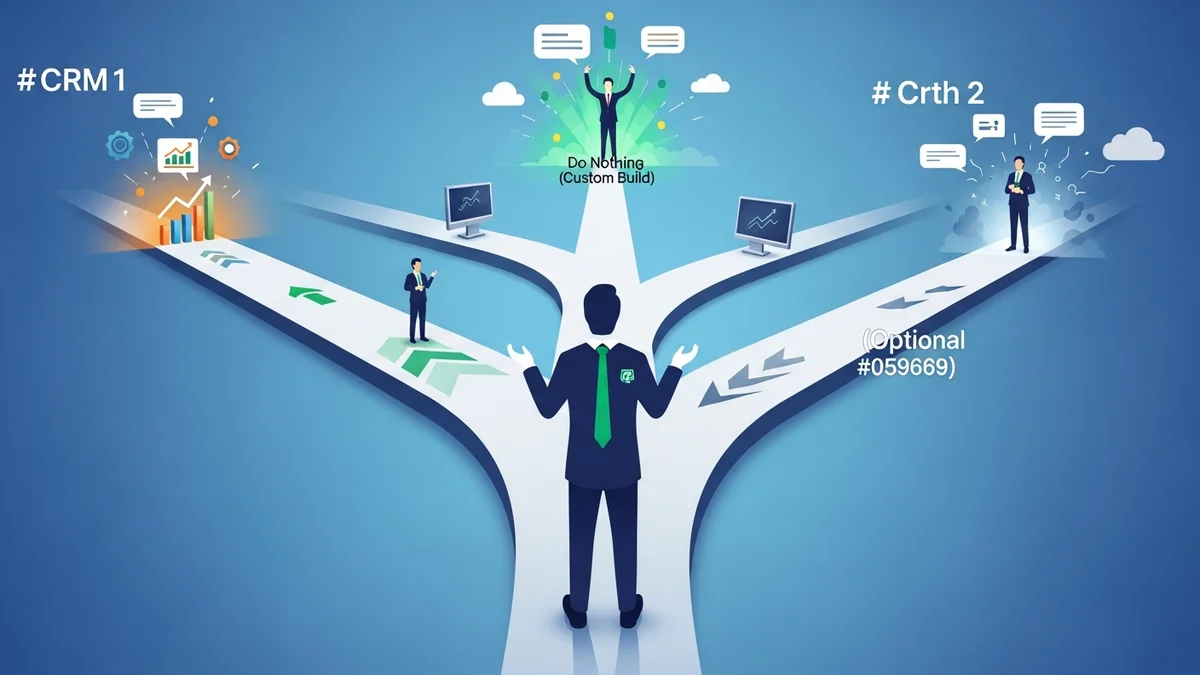
The problem isn't the tools. It's the sequence. Most founders pick a CRM before they've defined what they need the CRM to do. A CRM is not a contact database — it's an operational system, and like any system, it only works if it's built around a specific goal. Unlike large enterprises, startups don't have the luxury of large teams, long implementation cycles, or dedicated admins. Every tool you adopt either accelerates growth or introduces drag. There's rarely a neutral outcome.
This guide is about fixing that. We'll walk through how to think about CRM selection as a startup, what criteria actually matter (and which ones don't), and how to avoid paying for complexity you won't use for at least the next 18 months.
Step 1: Define the Single Job Your CRM Needs to Do
Before opening a single comparison table, answer this question: what is the one activity driving growth in your startup right now?
It might be cold outbound. It might be inbound demos. It might be managing a handful of high-value enterprise deals. It might be retaining early customers who are still figuring out whether your product is worth keeping. Each of these is a different job, and they map to different CRM profiles. Startups often overbuild too soon — the right move is to focus your CRM setup around the single activity that drives growth today, then expand from there.
Outbound-Heavy Startups
If your pipeline starts with cold email or LinkedIn outreach, you need a CRM with strong sequence tooling, automatic email logging, and clear activity tracking. Close was built almost entirely around this use case — its built-in calling, SMS, and email sequences make it the default choice for SDR-led startups. Salesflare takes a different approach, auto-filling contact records from email signatures and calendar events so reps spend less time on data entry and more time actually selling.
Inbound or Product-Led Startups
If leads are coming to you through content, product signups, or referrals, you need CRM functionality that integrates cleanly with your marketing stack. HubSpot CRM dominates this category. Its free tier is genuinely useful, and the native connection to HubSpot's marketing tools means you get unified contact timelines without duct-taping three different platforms together. The trade-off is that costs escalate steeply once you hit the growth tiers.
Enterprise or Complex-Deal Startups
If you're selling to large organizations with long cycles and multiple stakeholders, pipeline visualization and deal-stage management matter more than automation breadth. Pipedrive is widely used here for its clean, visual pipeline UI and its intentional focus on deal progression rather than contact volume. It keeps salespeople oriented around the next action rather than drowning them in activity feeds.
Step 2: The 5 Criteria That Actually Matter for Startups
Once you've defined the job, evaluate CRM options across these five dimensions — in this order. The mistake most founders make is starting with feature counts. Features are the last thing to optimize for. Start with fit.
1. Ease of Setup and Daily Use
Enterprise CRMs are powerful, but their power comes with configuration overhead that small teams simply cannot absorb. If your team needs a dedicated admin to keep the CRM running, that cost doesn't show up in the per-seat pricing — but it's real. Prioritize tools your team will actually open every day without being trained. The best CRM is the one your team uses consistently, not the one with the most impressive demo.
2. Pricing That Scales Without Punishing You
Startup pricing dynamics are brutal. You might have 3 users today and 12 in a year. Watch for CRMs that offer reasonable per-seat pricing at small scale but spike aggressively as the team grows. Also watch for features locked behind expensive tiers — if email sequences require the $99/month plan and you're currently on $15/month, that's a ceiling you'll hit faster than you expect. Calculate total annual cost at your projected team size in 12 months, not today's headcount.
3. Email and Calendar Integration
A CRM that doesn't automatically log your communications is a CRM nobody will use consistently. Native Gmail and Outlook sync — not a browser plugin — is non-negotiable for startup teams. If reps have to manually log every email, the data quality will degrade within weeks and your pipeline becomes fiction.
4. Pipeline Flexibility
Newsletter
Get the latest SaaS reviews in your inbox
By subscribing, you agree to receive email updates. Unsubscribe any time. Privacy policy.
Your sales process will change. Your CRM pipeline needs to change with it. Look for tools that let you create custom stages, add custom fields, and modify workflows without involving a developer or submitting a support ticket. Rigid CRMs punish you for learning what actually works.
5. Reporting That Answers Real Questions
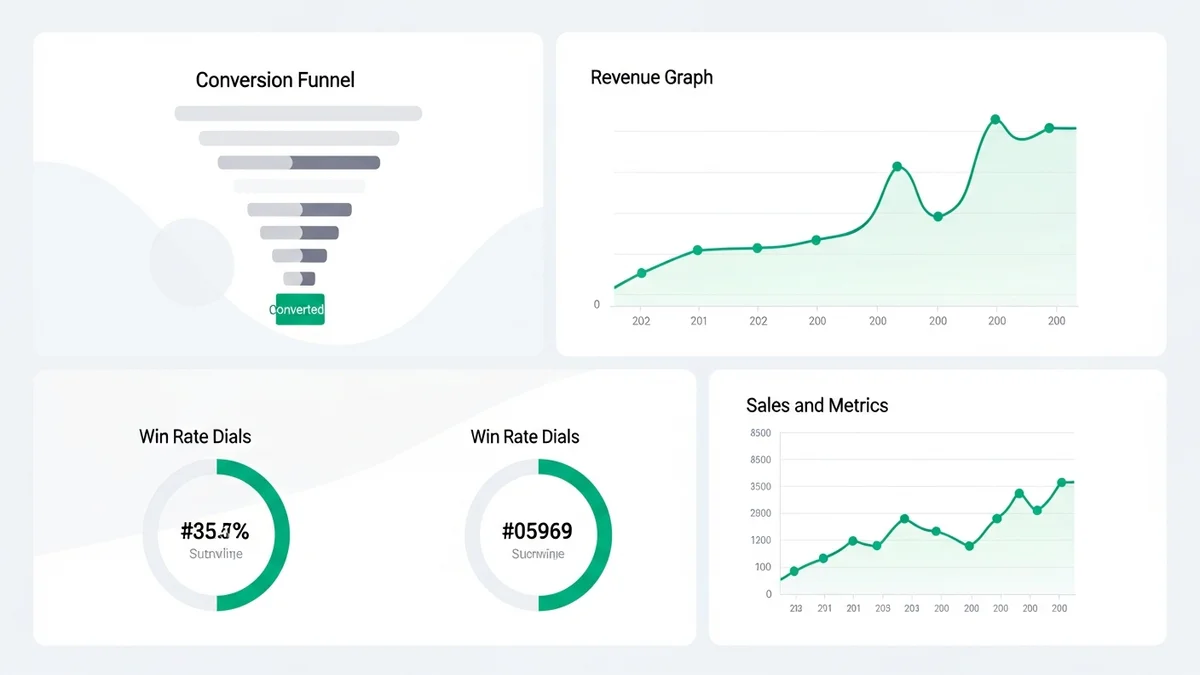
At the startup stage, you need to answer a small number of questions repeatedly: How many deals are in each stage? Where are deals getting stuck? What's our close rate this month versus last? A CRM with clean, basic reporting on these questions is more valuable than one with 200 dashboard widgets you'll never configure. Don't pay for analytical sophistication you don't yet have the data density to use.
Step 3: CRM Pricing and Fit — An Honest Comparison
Here's a direct comparison of the CRMs most commonly adopted by startups, with current pricing and an honest read on what each does well and where it falls short.
| CRM | Starting Price | Free Plan | Best Fit | Main Trade-off |
|---|---|---|---|---|
| HubSpot CRM | Free / $15/user/mo (Starter) | Yes — unlimited users | Inbound, PLG, marketing-heavy teams | Costs escalate sharply at growth tiers |
| Pipedrive | $14/user/mo (Essential) | No — 14-day trial | Deal-focused sales teams | Weak native marketing tools |
| Close | $49/mo (Startup, 1 user) | No — 14-day trial | Outbound SDR teams, high call volume | Higher floor cost for solo founders |
| Freshsales | Free / $9/user/mo (Growth) | Yes — up to 3 users | Budget-conscious teams wanting AI lead scoring | UI feels cluttered at higher tiers |
| Salesflare | $29/user/mo (Growth) | No — 30-day trial | Small teams who hate manual data entry | Limited marketing automation depth |
| Zoho CRM | Free / $14/user/mo (Standard) | Yes — up to 3 users | Feature-rich at low cost | Steep learning curve, dated interface |
| Salesforce | $25/user/mo (Starter Suite) | No — 30-day trial | Startups planning rapid enterprise scale | Configuration overhead, practically requires an admin |
| Attio | Free / $34/user/mo (Plus) | Yes — limited seats | Flexible, data-model-forward teams | Younger product, fewer third-party integrations |
A few observations from this table that aren't obvious at first glance. HubSpot's free plan is the most generous in the market, but "free" is a funnel — the intent is to land you on the paid marketing hub, where costs can reach hundreds of dollars per month within a year. Salesforce's $25 entry point is deceptively low; any meaningful customization requires the Professional tier at $80/user/month or higher. And Close's higher floor cost is worth it for outbound teams who would otherwise be paying for a separate calling tool anyway.
Step 4: Red Flags to Avoid When Evaluating CRMs
The sales process for a CRM product is itself a signal about the product. Here are the red flags that experienced startup operators have learned to watch for during evaluation.
You Can't Try It Without Talking to Sales
If a CRM requires a demo call before you can access a trial, that's a product designed for enterprise procurement cycles, not startup agility. You should be able to sign up, import a CSV of contacts, and have your first deal in the pipeline within 30 minutes. If you can't do that without hand-holding, the tool probably wasn't built for teams at your stage.
Core Features Are Locked Behind the Next Tier
Read the pricing page carefully — not the marketing page, the actual pricing comparison matrix. Some CRMs advertise a low entry price but lock email sequences, reporting exports, or essential integrations behind plans that cost three to four times more. If the features that motivated your interest aren't available on the plan you're budgeting for, the advertised price is a fiction. Factor in the realistic tier you'll actually need.
Data Export Is Painful or Paywalled
You will switch CRMs eventually. Every startup does. The question is whether you'll be able to take your data with you when you do. Verify that you can export all contacts, deals, notes, and activity history in a standard format — CSV at minimum — at any time, on any plan. Vendors who make this difficult are betting on lock-in rather than product quality. That's a values mismatch worth taking seriously.
Step 5: Implementation — Start Lean, Expand Deliberately
The most common implementation mistake is configuring everything upfront. Founders spend a weekend building 12 custom fields, four pipeline stages, six email templates, and a lead scoring matrix — then their sales motion shifts two weeks later and the whole setup is obsolete. The configuration effort becomes a sunk cost that makes people reluctant to change what isn't working.
Start with the minimum viable CRM setup:
- One pipeline with four or five stages that mirror your actual sales conversation, not an idealized one
- Three to five contact fields you will genuinely use to qualify or route leads
- Email and calendar integration enabled and tested before you add your first real contact
- Two tracked metrics you will review every week — conversion rate by stage and average deal age are a useful starting pair
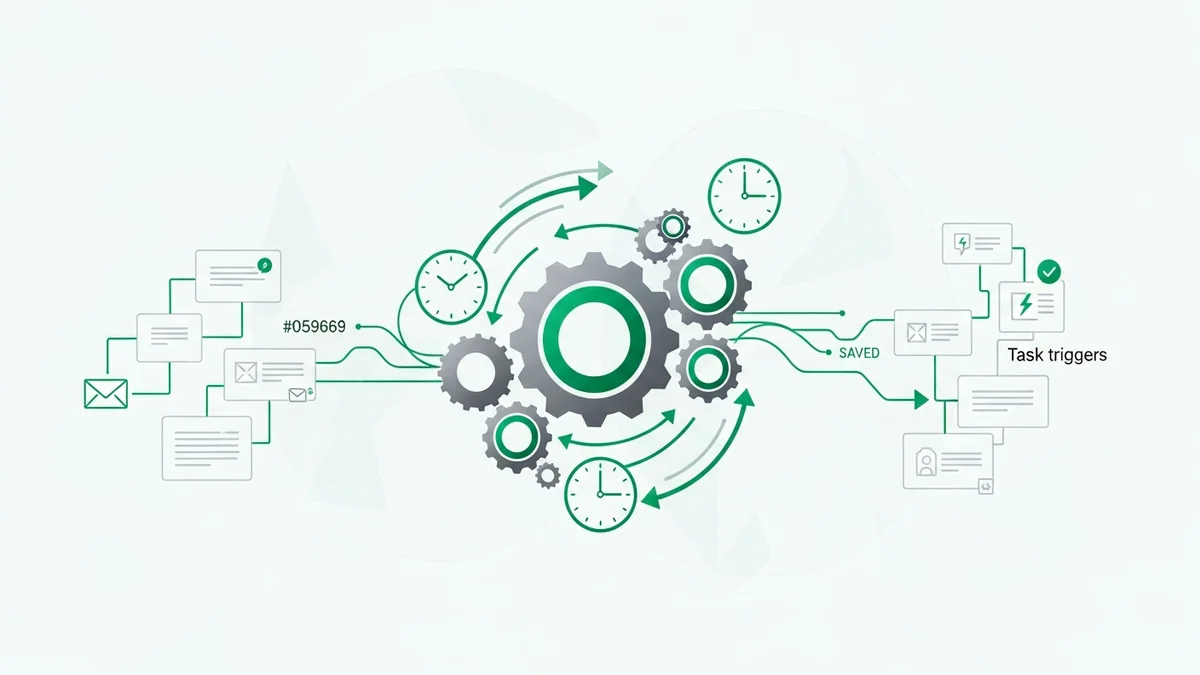
Expand only when a specific, observed problem demands it. If you find yourself manually reminding the team to follow up with stalled deals, add a task automation. If you're losing visibility into lead sources, add a source field. Build toward complexity; don't start there. The right CRM setup is the minimum that supports your current growth motion — three similar manual workflows are often better than a premature automation that breaks when your process changes.
Getting Team Buy-In Before You Commit
A CRM that only one person uses is not a CRM — it's a personal contact list. Get buy-in from the full team before you commit to a platform. The easiest path is choosing the simplest tool the team will use consistently over the most powerful tool they'll avoid. If your sales team is resistant to CRM adoption in general, throwing a complex tool at them will accelerate the avoidance, not solve it. Pick something they find natural, and you can optimize from there.
Set a 60-Day Review Date
Commit to a structured evaluation after 60 days of real use. Are deals being logged consistently without being chased? Is the pipeline data accurate enough to inform a weekly forecast? Is there one obvious workflow that still lives in a spreadsheet because the CRM doesn't support it? Use those answers to either iterate on your setup or confirm you've chosen the right foundation. CRM decisions are revisable — the cost of switching early is low, and the cost of staying with the wrong tool for two years is high.
The Bottom Line: Match the Tool to Your Stage, Not Your Ambitions
There's a version of this decision where a five-person startup spends three months evaluating enterprise platforms because they plan to be a 500-person company someday. That's almost always the wrong call. The CRM you need at Series A is not the CRM you need today, and over-investing in infrastructure before you have repeatable revenue is one of the more expensive mistakes an early-stage company can make. Build the CRM system that supports your current motion, and trust that you'll have more information — and more resources — to make the next decision when the time comes.
Pick a CRM that solves your current growth bottleneck, that your team will use without being managed into it, and that won't lock you into a pricing structure that doesn't survive headcount growth. Then revisit the decision in 12 months with real usage data.
If you're running outbound at volume, start with Close or Salesflare. If your growth is inbound-driven, HubSpot CRM is the default for good reason. If you're running a lean team and need something opinionated, fast to set up, and focused on moving deals forward, Pipedrive remains one of the most consistently well-regarded tools in this space for early-stage teams. The right CRM is the one your team uses. Start there.