
Why Most Startups Are Drowning in Data But Starving for Insight
Here's a number worth sitting with: according to Gartner, 84% of sales leaders say analytics hasn't boosted performance the way they expected. Not because they lacked data — most startups are swimming in it. The problem is bad data quality, siloed information, and teams that don't know which numbers actually deserve their attention.
Tracking sales metrics in a CRM isn't just about logging calls and watching charts populate. It's about building a feedback loop that tells you why deals close, where your pipeline leaks, and what your team needs to hit next quarter's number. When done right, it turns guesswork into a repeatable system.
This guide cuts through the noise. You'll learn which sales metrics actually matter, how to configure your CRM to track them automatically, and how to turn raw numbers into decisions your team can act on today.
The Four Categories of Sales Metrics That Actually Matter
The fastest way to build an unusable dashboard is to track everything. The second fastest is to track only revenue. Effective sales metric tracking requires a balanced view across four distinct categories, each answering a different question about your pipeline's health.
Activity & Outreach Metrics
These are your leading indicators — the earliest signal that your sales engine is (or isn't) in motion. If you only check lagging metrics like closed revenue, you'll find out about problems weeks after they started. Activity metrics give you a chance to course-correct in real time.
- Cold calls and emails sent: Raw outreach volume. A floor, not a ceiling — high volume with poor conversion signals a messaging problem.
- Meetings booked: The first real test of whether your outreach is resonating. A healthy benchmark for outbound SDR teams is 10–15% of quality prospects converting to booked meetings.
- Demo scheduling rate: Shows product interest and ICP fit. If you're booking meetings but demos aren't being scheduled, your qualification process needs work.
- Follow-up rate: Most deals don't close on the first touch. Reps who consistently follow up — studies suggest 5–8 touchpoints before a decision — dramatically outperform those who don't.
- Call-to-close ratio: Combines activity with outcome. This single metric reveals more about a rep's sales skill than almost anything else.
Pipeline & Conversion Metrics
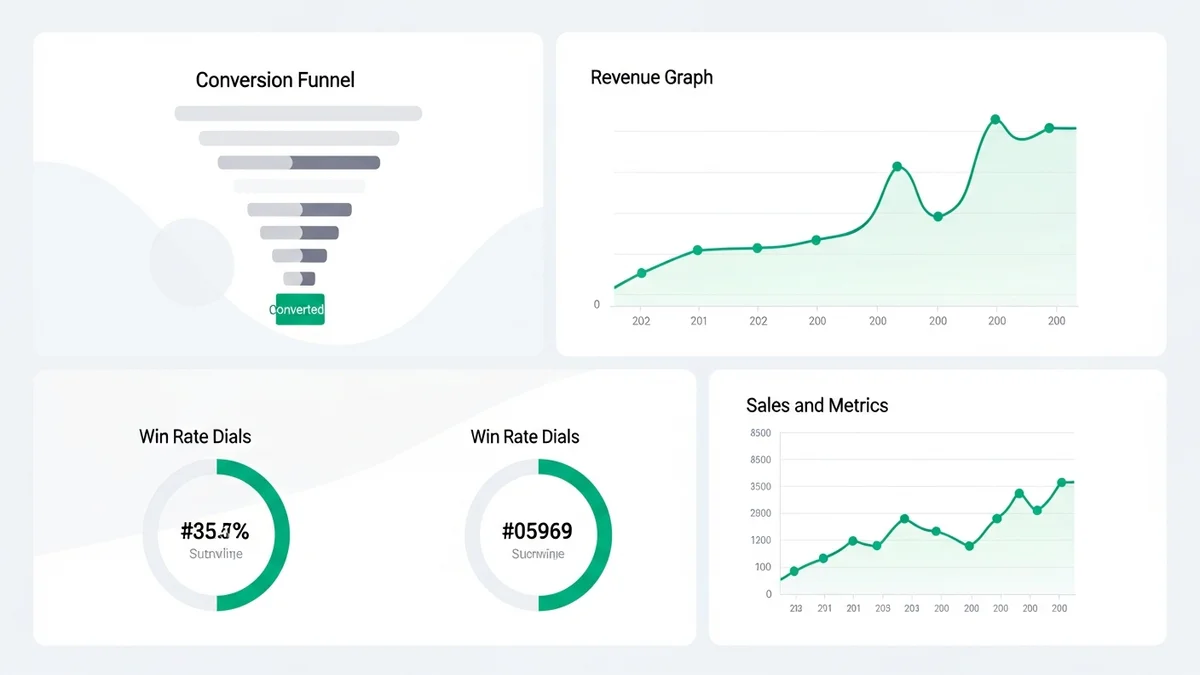
Once leads are in your funnel, you need to track how efficiently they move through it. A SaaS company that brings in 1,000 leads might see 200 become qualified, 100 book demos, and 25 close — a demo-to-close rate of 25%. But without tracking each stage, that drop-off between qualified and demo is invisible, and you'll spend resources fixing the wrong problem.
- Lead-to-opportunity rate: How many raw leads qualify as real sales opportunities.
- Opportunity-to-close rate (win rate): The percentage of active deals that convert to customers. Industry benchmarks vary by segment, but B2B SaaS companies typically target 20–30%.
- Sales cycle length: Average days from first contact to closed-won. Shortening this by even 10% compounds significantly at scale.
- Pipeline velocity: Combines deal count, win rate, average deal size, and cycle length into a single number representing how fast revenue flows through your pipeline.
Revenue Metrics
These are the lagging indicators that confirm whether your process is working. They matter enormously for forecasting and board reporting, but don't let them dominate your day-to-day tracking — by the time revenue numbers shift, the cause is already 60–90 days old.
- Monthly Recurring Revenue (MRR) / Annual Recurring Revenue (ARR): The heartbeat metric for any SaaS startup.
- Average Contract Value (ACV): Tells you whether you're moving upmarket or downmarket over time.
- Revenue per rep: A critical efficiency metric when evaluating team performance and capacity planning.
- Churn rate: Often ignored by sales teams, but churn directly negates new revenue. A 5% monthly churn rate means you're replacing your entire customer base every 20 months.
Efficiency Metrics
These metrics reveal whether your growth is sustainable. A startup that closes $1M ARR by burning through $2M in sales costs is in a very different position than one that hits the same number at a 0.8x customer acquisition cost to lifetime value ratio.
- Customer Acquisition Cost (CAC): Total sales and marketing spend divided by new customers acquired.
- CAC Payback Period: How many months of revenue it takes to recover acquisition costs. Under 12 months is strong for most B2B SaaS businesses.
- Sales efficiency ratio: New ARR divided by sales and marketing spend. Above 0.7 is considered healthy.
Newsletter
Get the latest SaaS reviews in your inbox
By subscribing, you agree to receive email updates. Unsubscribe any time. Privacy policy.
How to Configure Your CRM for Automatic Metric Tracking
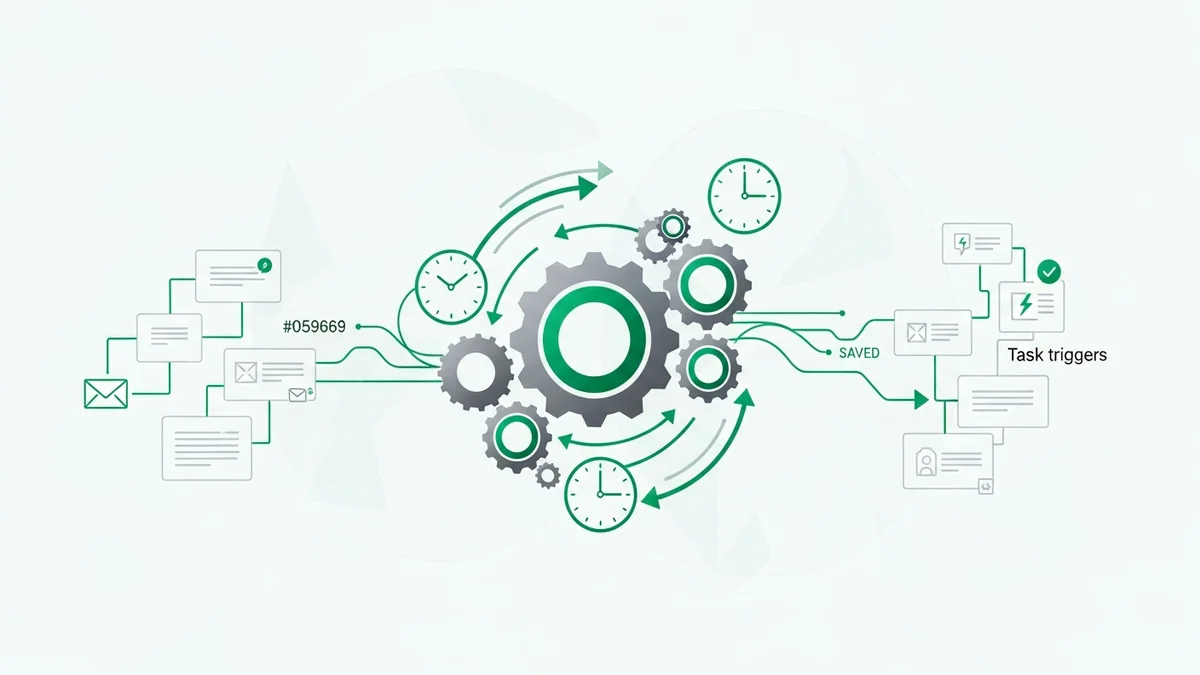
The best sales metrics are the ones you don't have to manually calculate. Modern CRMs can automatically log activity, track deal stages, and surface pipeline analytics — but only if you set them up correctly from the start.
Step 1: Define Your Pipeline Stages Before You Build
Every CRM deal stage should map to a specific, observable buyer action — not a rep's internal feeling about a deal. "Interested" is not a stage. "Demo completed" is. This discipline is what makes your conversion metrics trustworthy.
Pipedrive is particularly strong here: its visual pipeline is built around the concept of activity-driven stages, and it nudges reps to log the specific activity that moves a deal forward. This makes your stage-to-stage conversion data far more reliable than CRMs where reps manually drag deals across a board based on vibes.
Step 2: Enable Two-Way Email and Calendar Sync
If reps have to manually log emails and meetings, they won't — or they'll do it inconsistently, making your activity metrics worthless. Any CRM worth using in 2026 should auto-capture email threads and calendar events and associate them with the right contact and deal.
HubSpot CRM does this well out of the box with its Gmail and Outlook integrations. Salesflare takes it further by automatically building contact timelines from email metadata — a useful approach for small teams that can't enforce rigid CRM hygiene.
Step 3: Set Up Custom Reports for the Metrics That Drive Your Model
Default CRM dashboards are built for the average user, which means they're probably not built for your specific business. Spend time creating custom reports for your most important conversion points. If your model is bottlenecked at demo-to-close, build a report that tracks that rate by rep, by segment, and over time.
Salesforce offers the most powerful custom reporting engine in the market — but that power comes with complexity. For early-stage startups, Close CRM's built-in reporting on call activity and pipeline performance is often a better fit: it's purpose-built for inside sales teams and surfaces the metrics that matter without a consultant's help.
Step 4: Build Accountability Into the System
Metrics only change behavior if people see them. Set up weekly automated reports that go to the whole sales team — not just managers. When reps can see how their activity metrics compare to peers, behavior shifts. This is one area where Freshsales stands out with its leaderboard and goal-tracking features that are visible to the full team.
CRM Sales Metric Tracking: A Practical Comparison
Not all CRMs are equal when it comes to metric tracking depth. Here's how the leading options stack up on the features that matter most for sales analytics.
| CRM | Activity Auto-Capture | Pipeline Analytics | Custom Reports | Best For | Starting Price |
|---|---|---|---|---|---|
| HubSpot CRM | Yes (email, calls, meetings) | Strong — built-in deal velocity reports | Yes (paid tiers) | Teams wanting marketing + sales in one platform | Free; Sales Hub Starter from $20/mo/seat |
| Pipedrive | Yes (email sync, call logging) | Excellent — activity-driven stage tracking | Yes (all plans) | Teams focused on pipeline discipline | $14/mo/seat (Essential) |
| Salesforce | Yes (with Einstein Activity Capture) | Industry-leading depth | Yes (extensive) | Scaling teams with complex reporting needs | $25/mo/seat (Starter Suite) |
| Close | Yes (calls, SMS, email natively) | Strong — built for inside sales cadences | Yes | Inside sales teams tracking call activity | $49/mo/seat (Startup) |
| Zoho CRM | Yes (Zia AI-assisted) | Good — Zia analytics add predictive scoring | Yes (all plans) | Budget-conscious teams wanting AI features | $14/mo/seat (Standard) |
| Attio | Yes (automatic enrichment) | Flexible — object-based reporting | Yes | Data-forward teams with non-standard pipelines | $34/mo/seat (Plus) |
The honest take: for most early-stage startups under 10 reps, the sophistication of Salesforce's reporting engine is overkill and will slow you down. Start with Pipedrive or HubSpot, lock in your pipeline stage definitions, and invest the time you save into actually coaching your team on what the metrics reveal.
Turning Metrics Into Action: What Good Looks Like
Tracking metrics is a means to an end. The end is faster deals, better-coached reps, and predictable revenue. Here's what acting on your data actually looks like in practice.
When Win Rate Drops
A falling win rate is almost never a single-cause problem. Dig one level deeper before making changes. Is the drop consistent across all reps, or concentrated in one or two? Is it isolated to a specific deal size, segment, or lead source? A team-wide drop often points to a competitive or positioning issue. A rep-specific drop points to a coaching opportunity. Without CRM data segmented at that level, you're guessing.
When Sales Cycle Length Increases
Look at which pipeline stage is absorbing the extra time. If deals are stalling between demo and proposal, the issue is probably pricing clarity or stakeholder access. If they're stalling between proposal and close, you may have a champion problem — the person you're selling to doesn't have internal authority to sign. Both are fixable, but only if your CRM data shows you exactly where the drag is.
When Activity Metrics Look Healthy But Pipeline Doesn't Grow
This is the most common trap. Reps are logging calls, sending emails, booking meetings — but qualified pipeline isn't growing. The culprit is almost always ICP drift: reps are reaching out to contacts who look right on paper but don't have the budget, urgency, or authority to buy. The fix is tightening your qualification criteria and reviewing call recordings against your ICP definition.
The Most Common Sales Metric Tracking Mistakes (and How to Avoid Them)
Tracking vanity metrics instead of actionable ones. "Total emails sent" feels productive. "Email response rate by sequence and segment" is actually useful. Every metric on your dashboard should be connected to a decision you could make if the number moves.
Letting reps self-report activity without verification. If your only source of activity data is what reps manually log, your numbers are optimistic. Use a CRM with automatic email and call capture, and treat manually-logged data as supplementary rather than primary.
Reviewing metrics monthly instead of weekly. Sales is a high-frequency game. A monthly review cadence means you're always looking at last cycle's problems. Weekly pipeline reviews with real CRM data — not slide decks — let you catch deal risk early enough to do something about it.
Setting targets without benchmarks. Telling a rep to "improve their win rate" without knowing what good looks like in your segment, at your ACV, against your competitive set, is setting them up to fail. Use your own historical data as the primary benchmark, and industry data as a reality check.
Sales metric tracking isn't a reporting exercise — it's a management practice. The teams that build it into their weekly rhythm, backed by a CRM that automates the data capture, are the ones that compound. The teams that bolt it on quarterly to prepare for board meetings are always reacting too late.