
HubSpot vs Pipedrive: Two CRMs, Two Philosophies
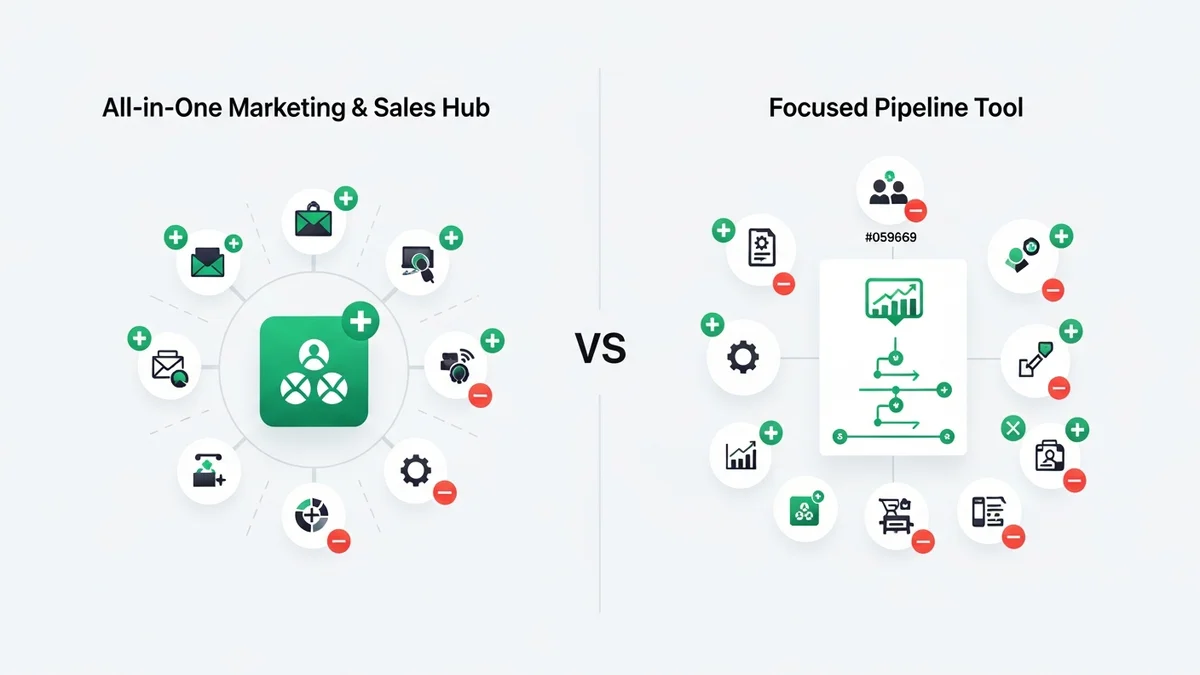
When startups and growing SMBs evaluate CRM software, the HubSpot vs Pipedrive matchup comes up constantly — and for good reason. These two platforms dominate the mid-market conversation, yet they are built on fundamentally opposite philosophies. Pipedrive was designed by salespeople, for salespeople. HubSpot CRM was built by marketers who then added sales. That origin story shapes every feature, every pricing decision, and every trade-off you'll encounter.
This is not a neutral "both have pros and cons" post. By the end, you'll know which tool actually fits your business — and why picking the wrong one will cost you months of frustration and real money.
The Core Difference in One Sentence
Pipedrive helps you close deals faster. HubSpot helps you attract leads, nurture them, close them, support them, and retain them — all inside one ecosystem. If your entire problem is pipeline visibility and deal momentum, Pipedrive wins on simplicity and cost. If marketing automation, content, and customer service matter as much as sales, HubSpot is in a different category entirely.
Pricing Breakdown: What You'll Actually Pay
Pricing is where the platforms diverge most dramatically, and where most teams get surprised.
Pipedrive Pricing (Per User, Per Month — Annual Billing)
| Plan | Price/User/Month | Key Features |
|---|---|---|
| Essential | $14 | Visual pipeline, contact management, calendar, 3,000 open deals |
| Advanced | $29 | Email sync, workflow automation, meeting scheduling, 10,000 deals |
| Professional | $49 | AI sales assistant, e-signatures, advanced reporting, 100,000 deals |
| Power | $64 | Project planning, phone support |
| Enterprise | $99 | Enhanced security, unlimited features |
HubSpot Pricing (Per Account, Per Month — Annual Billing)
| Plan | Monthly Cost | Notes |
|---|---|---|
| Free | $0 | Unlimited contacts, limited features |
| Starter | $20/month | Basic automation, simple sequences |
| Professional | $800/month | Full marketing automation, A/B testing, attribution reporting |
| Enterprise | $3,600/month | Advanced features, custom objects, predictive lead scoring |
The pricing models are structured completely differently, which makes direct comparison tricky. Pipedrive charges per user — a 10-person sales team on Professional pays $490/month. HubSpot charges per account, but the jump from Starter ($20) to Professional ($800) is a cliff that catches most teams off guard. Many startups fall into the trap of adopting HubSpot on the free or Starter tier, then hitting a wall when they need marketing automation and discover they're looking at an $800/month commitment overnight.
For lean sales teams under 15 people who need a pure CRM, Pipedrive's per-user model is predictably affordable. For companies where marketing drives significant pipeline, HubSpot's Professional tier at $800/month can justify itself quickly — but only if you actually use it.
Feature-by-Feature Comparison
| Capability | Pipedrive | HubSpot | Edge |
|---|---|---|---|
| Pipeline visualization | Best-in-class drag-and-drop | Good, but secondary | Pipedrive |
| Ease of use | Excellent — days to onboard | Moderate — weeks to fully implement | Pipedrive |
| Marketing automation | Basic email sequences only | Comprehensive (Pro+): branching logic, adaptive testing, attribution | HubSpot |
| Email tools | Email sync, tracking | Visual builder, A/B testing, campaign attribution | HubSpot |
| Integrations | 400+ marketplace | 1,600+ marketplace | HubSpot |
| Free tier | No free plan | Free CRM, unlimited contacts | HubSpot |
| AI sales assistant | Included at Professional ($49) | Predictive scoring at Enterprise ($3,600) | Pipedrive |
| Customer service tools | None natively | Service Hub with ticketing | HubSpot |
| Pricing clarity | Simple per-user | Complex, multiple hubs | Pipedrive |
| Mobile experience | Strong — built for field sales | Functional | Pipedrive |
Newsletter
Get the latest SaaS reviews in your inbox
By subscribing, you agree to receive email updates. Unsubscribe any time. Privacy policy.
HubSpot's Hub Architecture
HubSpot organizes everything into six specialized Hubs — Marketing, Sales, Service, CMS, Operations, and Commerce — each with Free, Starter, Professional, and Enterprise tiers. This modular approach means you can start with just Sales Hub and add Marketing Hub later. It also means HubSpot serves 228,000+ customers across 135+ countries because it can fit a solo founder using the free tier and a 500-person company on Enterprise simultaneously. The depth is genuinely impressive: adaptive A/B testing, conversation intelligence for call coaching, and machine learning-powered lead scoring at the top tiers.
Pipedrive's Sales-First Focus
Pipedrive's restraint is a feature, not a limitation — if you're a sales-driven team. Over 100,000 companies in 179 countries use it specifically because it doesn't try to do everything. The visual pipeline is genuinely best-in-class. The activity-based selling methodology baked into the UX keeps reps focused on the next action rather than data entry. The AI sales assistant at the $49/month Professional tier gives smaller teams access to intelligent suggestions at a price point HubSpot simply can't match for that capability.
Who Should Choose Pipedrive
Pipedrive wins when sales velocity is your primary problem. If your pipeline is murky, deals are stalling, and your team spends more time updating spreadsheets than talking to prospects, Pipedrive fixes that immediately. The visual drag-and-drop board gives every rep and every manager instant clarity on where deals stand.
It's the right call for:
- Sales-only teams that have no marketing function or use a separate marketing tool like ActiveCampaign for email automation
- Small to mid-size teams (2–50 reps) where the per-user pricing stays manageable
- Field sales and mobile-heavy workflows — the mobile app is genuinely strong
- Teams that want to be operational in days, not weeks — setup is fast and onboarding friction is low
- Budget-conscious startups who need real pipeline management without paying for marketing features they won't use
The ceiling matters, though. If you ever need content marketing, SEO tools, landing pages, or a ticketing system, you'll be bolting on third-party tools and managing integrations. Pipedrive's 400+ marketplace integrations cover a lot, but they introduce complexity that HubSpot's native stack avoids.
Who Should Choose HubSpot
HubSpot wins when your growth depends on inbound marketing as much as outbound sales. If content, SEO, email campaigns, and lead nurturing are core to how you acquire customers, HubSpot's integrated platform is genuinely difficult to replicate with a patchwork of point solutions.
It's the right call for:
- Marketing-led organizations where the marketing team generates pipeline for sales
- Companies starting on a tight budget — the free CRM with unlimited contacts is legitimately useful as a starting point
- Businesses that need CRM, marketing, and support in one system to avoid data silos between departments
- Scaling companies that can absorb the Professional pricing jump and will fully use marketing automation, A/B testing, and attribution reporting
- Teams that value brand credibility — HubSpot's enterprise reputation can matter in certain B2B sales contexts
The warning: do not commit to HubSpot Professional at $800/month unless you have the team and content strategy to justify it. Many startups overpay for features they never activate. If that risk is real for your org, Pipedrive plus a dedicated email tool like ActiveCampaign may be a smarter stack.
What Neither Platform Does Well — And Your Alternatives
Both HubSpot and Pipedrive have notable gaps worth acknowledging honestly.
Pipedrive has no native chatbot, no content tools, no SEO features, and limited multilingual capability. Its automation is functional but basic compared to dedicated marketing platforms. If you're building complex nurture sequences, you'll hit that ceiling fast.
HubSpot's free and Starter tiers can create false confidence. The moment you need real automation — the whole reason most teams choose HubSpot — you're at $800/month. That jump feels punishing, and HubSpot's per-seat costs at scale add further pressure. Implementation timelines are measured in weeks, not days.
If neither feels quite right, the market has strong alternatives. Zoho CRM offers a more affordable all-in-one alternative with deep customization. Salesforce sits above both in enterprise configurability, though at significantly higher cost and complexity. Freshsales is worth evaluating for teams who want AI-assisted features without HubSpot's pricing structure. And for startups that want modern, relationship-intelligence-first CRM, Attio is an increasingly compelling option that neither HubSpot nor Pipedrive directly competes with.
The Bottom Line: Which CRM Wins?
There is no universal winner between HubSpot and Pipedrive — but there is almost always a clear winner for your specific situation.
Choose Pipedrive if your team is sales-led, values simplicity, wants fast setup, and doesn't need marketing automation built into the same platform. At $14–$49/user/month, it's hard to beat for pure pipeline management.
Choose HubSpot CRM if marketing is as important as sales in your growth model, you want a single platform that scales from startup to enterprise, and you're ready to invest in using it properly — including potentially absorbing the $800/month Professional commitment when the time comes.
The worst outcome is choosing HubSpot for the free tier, never upgrading, and ending up with a glorified contact database. The second-worst is choosing Pipedrive and then building a Frankenstein stack of five tools to compensate for what it doesn't do. Know your priorities, match the tool to the problem, and you'll get full value from whichever path you choose.





