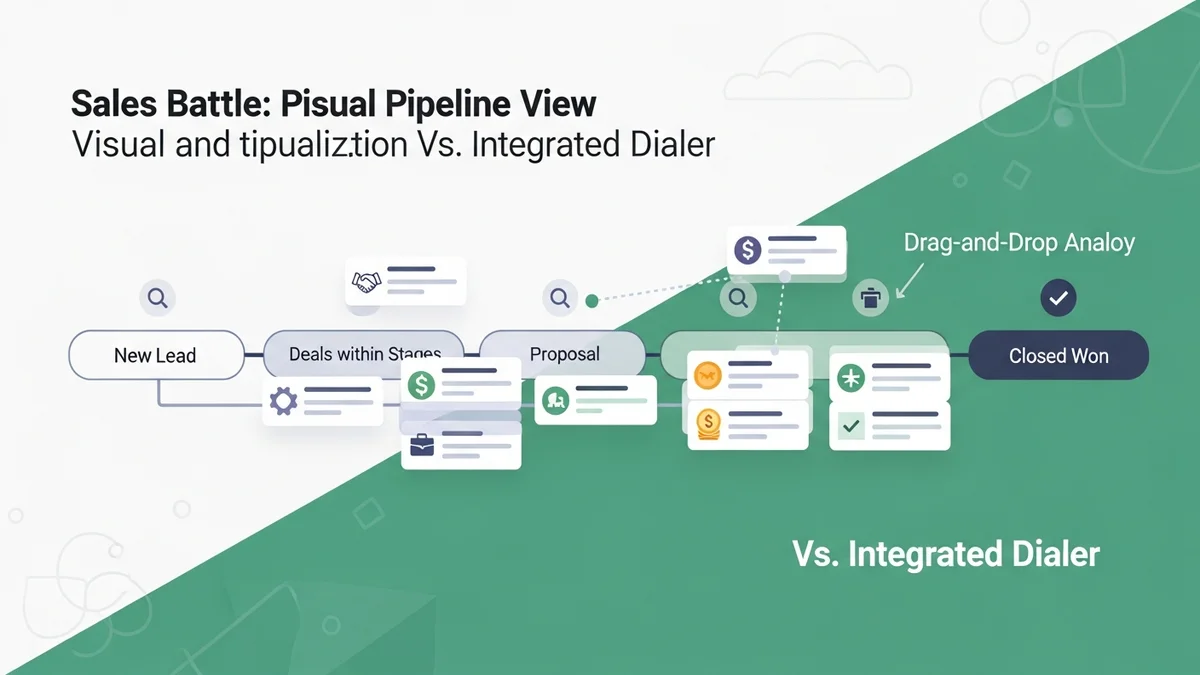

Pipedrive vs Close CRM: Which Sales Tool Actually Fits Your Startup?
At first glance, Pipedrive and Close CRM look like they're solving the same problem — helping sales teams close more deals. But spend a week inside both platforms and you'll realize they're built around fundamentally different philosophies. Pipedrive is a pipeline visualization tool that happens to do CRM. Close is a sales communication platform that happens to have a pipeline.
That distinction matters enormously when you're choosing a CRM for your startup. If you pick the wrong one, you'll spend months fighting against your tool instead of using it. This comparison breaks down exactly where each platform excels, where each falls short, and which type of sales team should use which product.
The Core Philosophy: Pipeline vs. Communication
Pipedrive was built around a single insight: salespeople are visual thinkers who need to see their deals laid out in front of them. The Kanban-style pipeline view is not just a feature — it's the entire product's soul. Every interaction, every activity, every deal stage feeds into that visual representation. The platform is intuitive by design, with quick adoption rates and strong mobile support.
Close was built around a different insight: sales is fundamentally a communication sport. The team that makes more calls, sends more follow-ups, and responds faster wins. So Close embedded a native VoIP phone system, SMS, email sequences, and an automated power dialer directly into the CRM. There's no integration to set up, no third-party calling app to juggle — you just open Close and start dialing.
This philosophical split drives nearly every feature difference between the two platforms. It's not that one is technically better than the other — it's that they're optimizing for different workflows.
Feature Comparison: Where Each Tool Wins
Calling and Communication
Close wins this category decisively and it isn't close. Built-in VoIP calling, SMS, a power dialer, and email sequences are all native to the platform. The power dialer can cycle through prospect lists automatically, meaning your reps spend time talking instead of dialing. Every call, email, and SMS is automatically logged to the contact record — no manual entry required.
Pipedrive handles calling through its marketplace integrations. There's no native phone system. For a team doing 50+ calls per day, this is a meaningful workflow gap. You're switching between tools, manually logging calls, and losing the communication-centric view that makes Close reps so efficient.
Pipeline Management
Pipedrive wins here. The visual pipeline is genuinely best-in-class — customizable stages, drag-and-drop deal management, and activity-focused tracking that keeps reps focused on the right next action. If your sales process is complex with multiple stakeholders and long deal cycles, Pipedrive's visual clarity is valuable.
Close has pipelines too, but they feel secondary to the communication tools. The pipeline view is functional but not nearly as polished or flexible as Pipedrive's.
Automation and Sequences
Close's email sequences let teams set up automated follow-up campaigns that feel personal. A rep can enroll a prospect in a five-touch email sequence and Close handles the scheduling and sending. Combined with the power dialer, this creates a genuine outbound sales machine.
Pipedrive has workflow automations and AI features across its plans, but its email marketing capabilities are basic. More advanced marketing automation requires add-on modules, pushing the effective cost up from the base plan price.
Integrations and Extensibility
Pipedrive claims hundreds of marketplace integrations and has a well-documented API. The platform is designed to be extensible — if you need a capability it doesn't have natively, there's likely an app for it. This works well if your tech stack is already mature.
Close connects with common business tools via direct integrations and APIs but is more narrowly focused on sales workflows. It's less of an integration hub and more of a focused sales execution platform.
Newsletter
Get the latest SaaS reviews in your inbox
By subscribing, you agree to receive email updates. Unsubscribe any time. Privacy policy.
Pricing Breakdown: What You Actually Pay
| Platform | Tier | Price (per user/month) | Key Features |
|---|---|---|---|
| Close | Startup | $49 | Up to 3 users, basic calling |
| Close | Professional | $99 | Power dialer, email sequences |
| Close | Enterprise | $139 | Custom reporting, advanced permissions |
| Pipedrive | Essential | ~$14 | Basic pipeline, deal tracking |
| Pipedrive | Advanced | ~$29 | Email sync, automations |
| Pipedrive | Professional | ~$59 | AI features, enhanced reporting |
| Pipedrive | Enterprise | ~$79 | 24/7 chat support, phone callbacks |
On raw price per seat, Pipedrive is significantly cheaper at entry level. But the pricing story gets more complicated when you factor in what each platform includes. Close's $99 Professional plan includes the power dialer and sequences natively. To get equivalent calling functionality with Pipedrive, you'd need to add a third-party calling tool on top of your Pipedrive subscription — easily closing the price gap.
Also worth noting: Close's Startup plan caps at 3 users. If your team is larger, you're jumping to Professional at $99/seat from day one. For a five-person sales team, that's $495/month before calling costs. Pipedrive's equivalent five-person plan at the Professional tier runs around $295/month. The delta is real, but so is the difference in native functionality.
Who Should Choose Close CRM
Close is built for high-velocity outbound sales teams. If your reps are making 50-100+ calls per day, running email sequences, and working through lists of prospects systematically, Close is probably the right tool. The power dialer alone can meaningfully increase daily call volume, and having every communication automatically logged reduces admin overhead that kills sales productivity.
SaaS companies doing inside sales, staffing agencies, insurance teams, and any business where the phone is the primary revenue channel should seriously consider Close. The platform removes friction from the most important activity in those businesses: talking to prospects.
Teams that have previously used tools like HubSpot CRM and found the calling workflow clunky, or who are paying separately for a dialer tool, often find Close dramatically improves their efficiency despite the higher per-seat cost.
Close is a bad fit if:
- Your sales process is primarily inbound or relationship-driven
- You have a long, complex enterprise sales cycle with multiple stakeholders
- Your team doesn't rely heavily on phone calls
- You need sophisticated marketing automation beyond email sequences
Who Should Choose Pipedrive
Pipedrive is the better choice for teams where deal visibility and pipeline management are the primary need. If you have a structured B2B sales process with multiple stages, multiple decision-makers, and deal cycles measured in weeks or months rather than days, Pipedrive's visual pipeline management genuinely helps reps stay organized and managers stay informed.
The platform's intuitive design means lower onboarding friction — most sales reps can get up to speed quickly without extensive training. The strong mobile app also makes Pipedrive a good choice for field sales teams who need CRM access on the go.
Pipedrive also works well for teams that already have calling infrastructure they're happy with. If your reps are using a dedicated VoIP system and just need a CRM to manage deals and activities, paying $14-29/seat for Pipedrive's core pipeline functionality makes a lot of sense.
Pipedrive is a bad fit if:
- Outbound calling is your primary sales motion
- You need native auto-dialing or power dialing
- Your team lives and dies by daily call and email volume metrics
- You're building a structured outbound SDR function
How They Stack Up Against Other CRM Options
Neither Pipedrive nor Close exists in a vacuum. Depending on your situation, other platforms might be worth considering before committing.
For teams that need the calling capabilities of Close but want more marketing automation, ActiveCampaign offers a hybrid approach with solid email automation baked into its CRM layer. It's not as phone-centric as Close but gives more marketing horsepower.
Teams looking at Pipedrive for its visual pipeline management should also look at Attio, which takes a more modern, data-model-first approach to CRM that some startup teams find more flexible than Pipedrive's somewhat dated structure.
If budget is a significant constraint and you don't need advanced calling, HubSpot CRM offers a genuinely capable free tier that handles pipeline management competently. You'll eventually outgrow it, but for early-stage teams it's hard to argue against the price.
For teams that want the simplicity of Pipedrive with a more modern feel, Salesflare is worth a look — it auto-populates contact data from email signatures and LinkedIn, reducing manual data entry significantly.
The Verdict: Pipedrive vs Close CRM
Stop thinking about this as a generic CRM comparison and start thinking about it as a question of sales motion. What does your team actually do all day?
If your answer is "call people and follow up relentlessly," choose Close. The built-in power dialer, automatic call logging, and email sequences give outbound teams a measurable productivity advantage that justifies the higher price. The platform removes the friction between a rep and the next conversation, and in high-volume sales, that friction is where deals get lost.
If your answer is "manage complex deals through a structured pipeline," choose Pipedrive. The visual pipeline management, activity tracking, and broad integration ecosystem make it the better tool for structured B2B sales. At $14-59/seat depending on the tier, it's also considerably more affordable for teams that don't need native calling.
If you're still undecided, be honest about one thing: how many calls does your average rep make per day? If it's under 20, the calling capabilities difference probably doesn't matter enough to justify Close's premium. If it's over 50, Close's power dialer alone could make your reps 30-40% more efficient — and that's worth paying for.
Both platforms offer trial periods. Use them. Run each tool with your actual sales process for two weeks before committing. The philosophical difference between pipeline-first and communication-first becomes visceral the moment you start using them in real workflows.





