
Monday CRM is the sales-focused product built on top of monday.com's popular work management platform. It offers colorful visual pipelines, powerful automations, and tight integration with project management, making it a compelling option for teams that want CRM and collaboration in one place. But with a 3-seat minimum, per-seat pricing, and automation limits on lower tiers, the real cost can differ from the sticker price. In this guide, we break down every Monday CRM plan, explain the seat-based pricing model, and compare it to alternatives for startups.
Monday CRM Pricing Overview
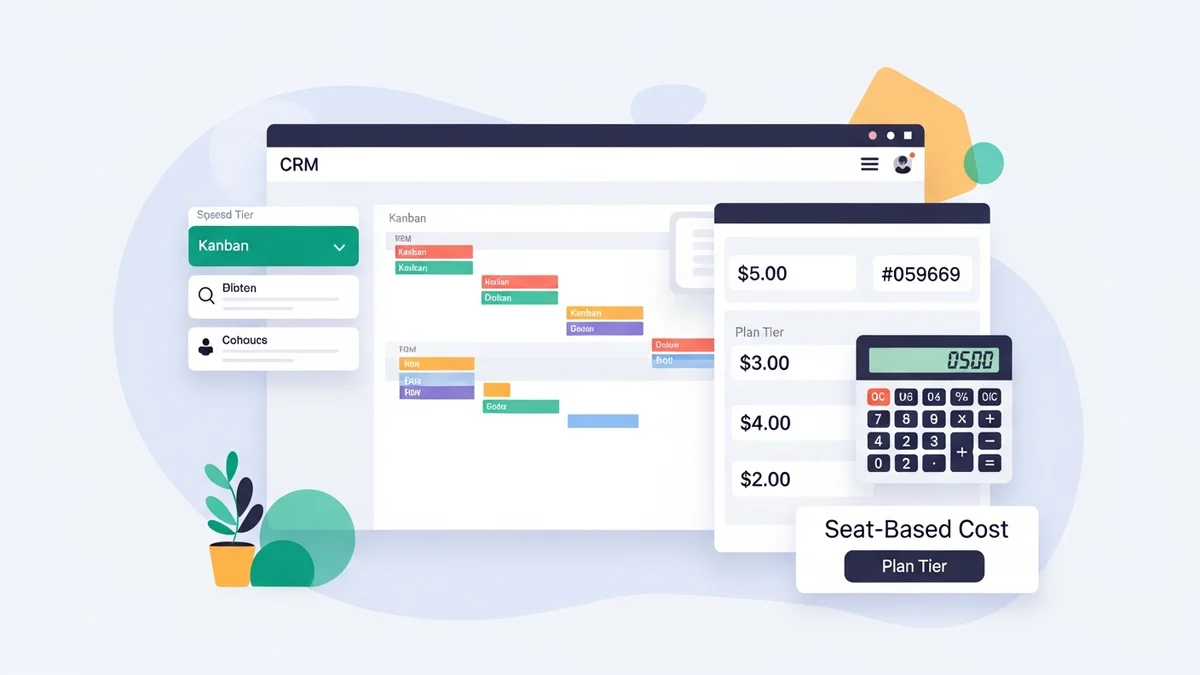
Monday CRM offers four pricing tiers: Basic, Standard, Pro, and Enterprise. Pricing is per seat, per month, with annual billing saving approximately 18% compared to monthly billing. All plans require a minimum of 3 seats, and seat counts above 3 scale in increments of 5 (so your options are 3, 5, 10, 15, 20, and so on up to 40, after which you need a custom quote).
There is no permanent free plan for Monday CRM, but monday.com does offer a free tier for its Work Management product (up to 2 users) which does not include CRM features. All paid CRM plans come with a 14-day free trial.
A key distinction: Monday CRM is a separate product from monday.com Work Management. Pricing, features, and billing are independent, though both products live on the same platform and integrate seamlessly.
Plan-by-Plan Breakdown
Basic Plan — $12/seat/month (annually) or $15/seat/month (monthly)
The Basic plan includes unlimited contacts, unlimited pipelines, unlimited boards, web forms for lead capture, and pre-built templates for lead and deal management. You also get iOS and Android mobile apps and 5 GB of file storage. The main limitation is the lack of automations and integrations: Basic gives you zero automation actions and zero integration actions per month. For a startup that just needs a visual place to track deals and contacts without any workflow automation, Basic works. But most teams will quickly want automation, which means upgrading to Standard.
With the 3-seat minimum, the entry cost is $36/month (annual) or $45/month (monthly).
Standard Plan — $17/seat/month (annually) or $20/seat/month (monthly)
Standard is Monday CRM's most popular tier. It adds two-way email sync with Gmail and Outlook, 250 automation actions per month, 250 integration actions per month, custom CRM automations, and basic dashboards that combine data from multiple boards. You also get activity management, quotes, and invoices. The 250 automation actions per month is sufficient for small teams but can run out quickly if you automate lead assignment, follow-ups, and status updates across multiple pipelines. For most startups with 3 to 10 users, Standard provides the right balance of features and price.
At 3 seats: $51/month (annual) or $60/month (monthly).
Pro Plan — $28/seat/month (annually) or $33/seat/month (monthly)
Pro unlocks the advanced features that growing sales teams need. You get sales forecasting dashboards, email templates with tracking, mass email capabilities, email sequences, custom formulas, time tracking, and 25,000 automation actions per month. The jump from 250 to 25,000 automation actions is massive and removes any practical constraint on workflow automation. Pro also adds advanced analytics, custom charts, and up to 20 board views per dashboard. For startups scaling their sales team beyond 5 people who need forecasting, email sequences, and heavy automation, Pro is the tier to target.
At 5 seats: $140/month (annual) or $165/month (monthly).
Enterprise Plan — Custom Pricing
Enterprise is designed for teams of 40+ users and includes everything in Pro plus lead scoring, 250,000 automation actions per month, advanced analytics with SQL-like capabilities, account management features, HIPAA compliance, 1 TB file storage, enterprise-grade security (SSO, audit logs), and a dedicated customer success manager. Pricing is not published and requires contacting Monday's sales team for a quote. Most startups will not need Enterprise, but growing companies that require compliance certifications or lead scoring should evaluate it.
Newsletter
Get the latest SaaS reviews in your inbox
By subscribing, you agree to receive email updates. Unsubscribe any time. Privacy policy.
The 3-Seat Minimum: What It Means for Startups
Monday CRM's 3-seat minimum is important to understand. Even if you are a solo founder or a 2-person team, you will pay for 3 seats. This means:
- Solo founder on Basic: $36/month (annual), not $12/month
- Solo founder on Standard: $51/month (annual), not $17/month
- 2-person team on Pro: $84/month (annual), not $56/month
For teams of 3 or more, this is a non-issue. But for very early-stage startups with 1 to 2 people, the effective per-user cost is higher than advertised. Compare this to Pipedrive, which has no seat minimums, or Zoho CRM, which offers a free plan for up to 3 users.
Hidden Costs to Watch For
Monday CRM's pricing is relatively straightforward, but there are several areas where costs can exceed expectations:
- Seat minimums and increments: After 3 seats, you must buy in increments of 5. Need 4 seats? You pay for 5. Need 6? You pay for 10. This can make your effective cost significantly higher than expected.
- Automation action limits: The Standard plan's 250 actions/month limit resets monthly. If you exceed it, automations stop running until the next billing cycle. There is no overage option; you must upgrade to Pro.
- Integration limits: The 250 integration actions/month on Standard can be consumed quickly if you sync with email, Slack, and other tools. Each API call counts as one action.
- Monday.com Work Management: If your team also uses monday.com for project management, that is a separate subscription. Monday CRM and Work Management are billed independently.
- Premium integrations: Some third-party integrations (like Salesforce or advanced Zapier workflows) may require separate subscriptions.
How Monday CRM Pricing Compares
Here is how Monday CRM stacks up against other startup CRMs on our CRM directory.
| CRM Tool | Starting Price | Free Plan | Seat Minimum |
|---|---|---|---|
| Monday CRM | $12/seat/mo | No (14-day trial) | 3 seats |
| HubSpot CRM | $0 (free tier) | Yes (unlimited users) | None |
| Pipedrive | $14/user/mo | No (14-day trial) | None |
| Zoho CRM | $14/user/mo | Yes (3 users) | None |
| Freshsales | $9/user/mo | Yes (3 users) | None |
Monday CRM's entry price of $12/seat/month is among the lowest on this list. However, the 3-seat minimum means you are actually paying at least $36/month to start, which is comparable to Pipedrive's Growth plan for a single user ($39/month). Where Monday CRM excels is the combination of CRM with project management on a single platform, something no other tool on this list offers natively. For teams already using monday.com for work management, adding CRM is a natural and cost-effective extension.
Is Monday CRM Worth the Price?
Monday CRM earns strong marks for its visual interface (rated 4.7/5 on G2 for ease of use) and the versatility of having CRM and project management on one platform. Our Monday CRM review highlights its customization depth: with 20+ column types, unlimited pipelines, and 200+ templates, you can mold it to almost any sales process.
For a 5-person startup on the Standard plan, you would pay $85/month (annual) or $100/month (monthly). That gets you unlimited contacts, unlimited pipelines, email sync, 250 automation actions, and dashboards. A comparable Pipedrive setup (Growth plan) would cost $195/month for 5 users, making Monday CRM roughly 56% cheaper at this team size.
The trade-off is that Monday CRM's dedicated sales features (email sequences, lead scoring, forecasting) are locked behind Pro ($28/seat/month) or Enterprise, while Pipedrive includes email tracking and basic forecasting on its Growth plan. You save money with Monday CRM but may need to upgrade sooner to access advanced sales tools.
Best Deal Tips
Here is how to get the most value from Monday CRM in 2026:
- Choose annual billing. Save 18% compared to monthly pricing. On the Standard plan with 5 seats, that saves $180/year.
- Right-size your seat count. Because of the 3-then-increments-of-5 structure, adding one user can mean paying for 5 extra seats. Plan your team size around the pricing tiers.
- Start with Standard, not Basic. The lack of any automation or integrations on Basic makes it impractical for modern sales teams. The $5/seat/month premium for Standard is easily justified.
- Monitor your automation actions. The 250 actions/month on Standard runs out fast. If you are approaching the limit consistently, upgrading to Pro (25,000 actions) is more cost-effective than restricting your workflows.
- Leverage the monday.com ecosystem. If your team already uses monday.com for project management, adding CRM avoids the cost of a separate tool and reduces context-switching. The bundled value is significant.
- Use templates to accelerate setup. Monday CRM includes 200+ pre-built templates for different sales processes. Using them instead of building from scratch saves implementation time and costs.
Conclusion
Monday CRM offers one of the most affordable and visually appealing CRM experiences on the market in 2026. Its per-seat pricing starts lower than most competitors, and the integration with monday.com's work management platform creates a unified hub for sales and operations. The main caveats are the 3-seat minimum, automation limits on Standard, and the fact that advanced sales features like lead scoring and forecasting require the Pro or Enterprise plans.
For small teams of 3 to 15 people who want a visual, customizable CRM with built-in project management capabilities, Monday CRM delivers excellent value on the Standard plan. Solo founders and 2-person teams will find better options with Pipedrive (no seat minimum) or Zoho CRM (free for 3 users). For a broader look at how CRM pricing works across the market, check our complete CRM pricing guide for startups.