Why Most Sales Teams Can't Scale Their Best Instincts
Here's the uncomfortable truth: your top sales rep is a single point of failure. They know which questions to ask in discovery, how to handle the CFO's procurement objections, and when to push versus when to wait. But when they leave, go on leave, or simply have a bad quarter, that institutional knowledge evaporates with them. The rest of the team keeps selling on gut instinct, secondhand advice, and trial and error.
This isn't a talent problem. It's a systems problem. And a well-built sales playbook, embedded directly into your CRM, is the fix. Not a PDF in a shared drive. Not a slide deck from last year's kickoff. A living, context-aware system that delivers the right guidance at the exact moment a rep needs it, during the deal, not before it starts.
Modern B2B buyers arrive informed, skeptical, and rarely alone. Buying committees, internal procurement reviews, and multi-threaded decision-making have replaced the single champion who could sign off over lunch. Selling into this environment with ad hoc, individual-dependent processes is not just inefficient — it's a structural liability. A CRM-embedded playbook converts scattered individual brilliance into a repeatable, scalable organizational capability.
What a Sales Playbook Is (and What It's Not)
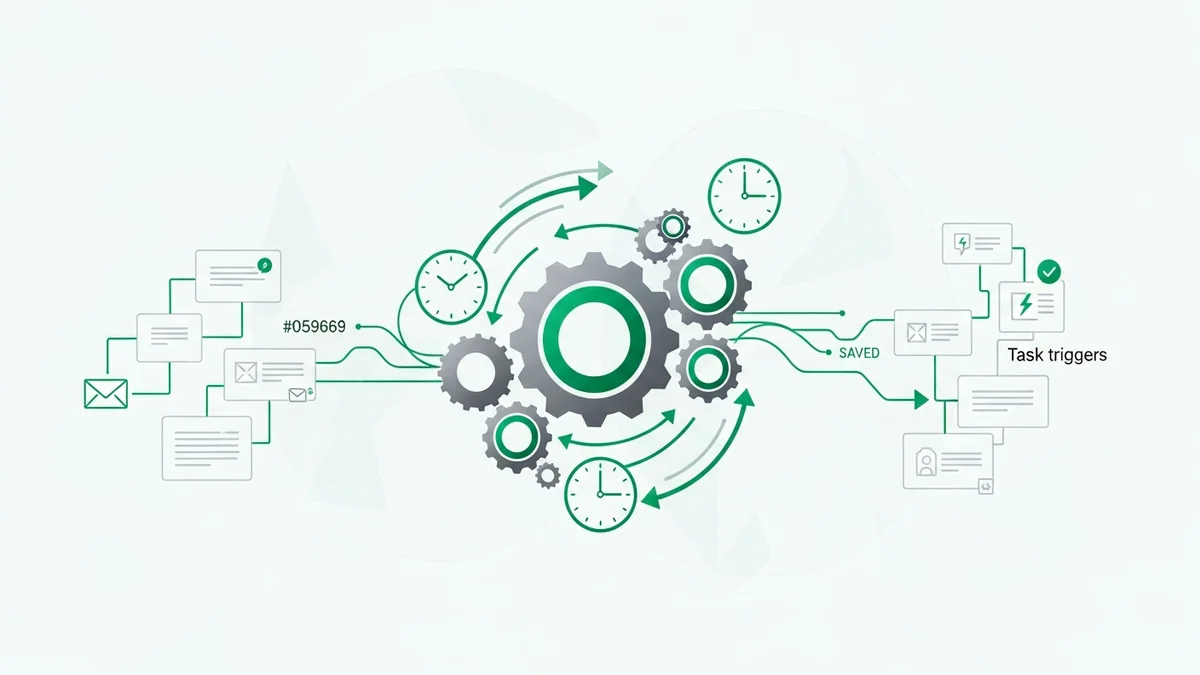
A sales playbook is the operating system of your sales organization. That framing matters because it shifts how you think about the artifact. An operating system doesn't just store information — it runs processes, routes inputs to the right outputs, and adapts to context. The same should be true of your playbook.
What it is not: a training manual handed out during onboarding, a collection of "best practice" scripts, or a static document that gets updated once a year. Those artifacts have their place, but they fail at the moment of truth — when a rep is live in a call and needs guidance now, not after they've logged off to find the right Confluence page.
A properly built playbook standardizes the "what," "why," and "how" of your sales motion. It captures the decision-making patterns of top performers and makes them available to everyone, contextually, at the right pipeline stage, in the right account type, at the right moment in the conversation. Think of it as a subway map: the destination (closed revenue) is fixed, but the playbook defines the routes, stops, and handoffs that get you there reliably.
The Core Components Every CRM Playbook Needs
Before you open your CRM and start building, you need to know what you're building. A robust sales playbook has five structural components, each of which should eventually live inside your CRM rather than in external documents.
1. Ideal Customer Profile and Buyer Personas
Your ICP defines who you sell to. Your buyer personas define who you sell at, and how you talk to them. These aren't marketing deliverables — they directly shape how reps qualify deals, prioritize outreach, and tailor messaging. In a CRM, this translates into lead scoring rules, custom fields for firmographic fit, and segment-based email templates that automatically adjust tone and content by persona.
2. Stage-by-Stage Process Maps
Every pipeline stage should have explicit entry criteria (what must be true for a deal to enter this stage), exit criteria (what must happen before it advances), and required activities. Without this, your pipeline is a subjective mess where "Negotiation" means completely different things to different reps. The stage map is what turns a CRM pipeline from a glorified spreadsheet into a genuine process management tool.
3. Discovery Question Banks
Top performers ask better questions. Document them. Which questions reliably surface budget authority? Which ones expose implementation risk early? Which ones reveal whether a champion has internal credibility? These question banks, attached to the discovery stage in your CRM, are how you democratize the habits of your best closers.
4. Objection Handling Guides
Every deal hits the same objections. "We're already using something." "The price is too high." "We need to involve IT." Map the most common objections to specific pipeline stages, because a pricing objection in week two means something different than a pricing objection in week eight. Build the responses into stage-level CRM notes or playbook cards so reps have them available without leaving the deal view.
5. Templates and Content Libraries
Proposal templates, follow-up email sequences, ROI calculators, case studies by vertical — all of this belongs in your CRM's content library, tagged by stage, persona, and use case. The goal is zero-friction access: a rep should be able to pull the right asset in thirty seconds, not thirty minutes of hunting through Google Drive folders.
Newsletter
Get the latest SaaS reviews in your inbox
By subscribing, you agree to receive email updates. Unsubscribe any time. Privacy policy.
How to Build Your Sales Playbook Inside a CRM: Step by Step
Step 1: Interview Your Top Performers
Don't start with frameworks. Start with your actual data. Talk to the reps who consistently close. Ask them what they do differently at each stage. Which questions do they always ask? What's their process when a deal goes quiet? How do they handle procurement? Record these conversations, transcribe them, and look for patterns. The playbook you're building should be grounded in what actually works in your specific market, not generic sales methodology.
Step 2: Audit Your Current CRM Pipeline
Look at your historical closed-won and closed-lost deals. What activities happened in won deals that rarely happened in lost ones? What was the average time in each stage for won versus lost? Where do deals most commonly stall or die? This data tells you where your playbook needs to focus its attention — the stages with the highest drop-off rates are where context-aware guidance matters most.
Step 3: Redesign Your Pipeline Stages Around the Buyer Journey
This is where most CRM setups go wrong. Reps design pipeline stages around what they do (prospecting, demo, proposal) rather than what the buyer is experiencing (evaluating options, building internal consensus, seeking implementation assurance). Reframe your stages from the buyer's perspective and you'll immediately see which activities and guidance belong at each one.
Step 4: Build In-Context Guidance for Each Stage
Now build the actual playbook content into your CRM. In HubSpot CRM, this means using the native Playbooks tool in Sales Hub Professional to attach question cards, talk tracks, and step-by-step guidance to each deal stage. In Salesforce, Einstein Enablement and Path feature configurations let you surface custom guidance at each stage. In Close, you can attach sequences and templates directly to pipeline stages so they fire automatically. The principle is the same regardless of platform: guidance should appear where reps already are, inside the deal record, not in a separate tab.
Step 5: Instrument It and Iterate
A playbook that nobody uses is a liability disguised as an asset — it creates false confidence that you've solved the problem. Track adoption metrics: are reps using the templates? Are they logging the recommended activities? Use your CRM's reporting to compare close rates and sales cycle length between deals where playbook steps were followed versus those where they weren't. This data is your feedback loop. Expect to revise the playbook quarterly, at minimum.
Which CRMs Actually Support a Proper Sales Playbook?
Not every CRM handles playbook functionality equally. Some have native playbook tools. Others require workarounds or third-party integrations. Here's how the most popular startup CRMs compare on the features that matter most for playbook implementation:
| CRM | Native Playbook Tool | Stage-Level Guidance | Email Sequences | Entry Price (per user/month) |
|---|---|---|---|---|
| HubSpot CRM | Yes (Sales Hub Professional) | Yes (Deal stage properties + Playbooks) | Yes | $15 (Starter), $90 (Professional) |
| Salesforce | Yes (Einstein Enablement / Path) | Yes (Stage guidance fields) | Yes (with Sales Engagement) | $25 (Starter Suite) |
| Close | No native playbook, but sequences+templates | Partial (pipeline activity rules) | Yes (built-in) | $49/month (Startup, up to 1 user) |
| Pipedrive | No (requires Smart Docs + workflow automation) | Partial (stage-triggered automations) | Yes (Campaigns add-on) | $14 (Essential) |
| Freshsales | No native, but AI deal insights + workflows | Yes (Freddy AI deal stage signals) | Yes | $9 (Growth) |
| Zoho CRM | No (requires CommandCenter + Blueprint) | Yes (Blueprint process automation) | Yes | $14 (Standard) |
Our honest take: HubSpot CRM's native Playbooks tool is the most complete out-of-the-box solution for startups that want to move fast. The tradeoff is that it's locked behind Sales Hub Professional at $90/user/month, which is a real budget consideration for early-stage teams. For resource-constrained startups, Zoho CRM's Blueprint feature offers surprisingly powerful process enforcement at a fraction of the cost — it's just less intuitive to configure. Close wins for high-velocity outbound teams where sequences and call activity matter more than structured stage guidance.
Common Mistakes That Kill Playbook Adoption
The failure mode for most sales playbooks isn't in the building — it's in the adoption. Here are the three mistakes that consistently undermine otherwise well-designed playbooks:
Building It Without Rep Input
If the playbook is created by sales leadership or marketing in isolation, reps will treat it as something imposed on them rather than something built for them. Involve your best reps in the design process from the start. When they see their own instincts reflected in the playbook, adoption becomes a matter of recognition rather than compliance.
Treating It as a One-Time Project
A playbook built for the market conditions of eighteen months ago is worse than no playbook at all — it gives reps false confidence that they're following best practice when they're actually following outdated practice. Assign a playbook owner. Set a quarterly review cadence. Tie updates to deal data, not to whenever someone remembers to update the document.
Hiding It Outside the CRM
This is the original sin of sales enablement. A playbook that lives in a wiki, a shared drive, or a training platform will be consulted during onboarding and ignored forever after. The only playbook that gets used is the one that appears inside the tool reps spend their entire day in — their CRM. If your current CRM can't surface contextual guidance at the deal stage level, that's a strong signal to reconsider your platform choice, not to build a better wiki.
The Payoff: What a Working Playbook Actually Delivers
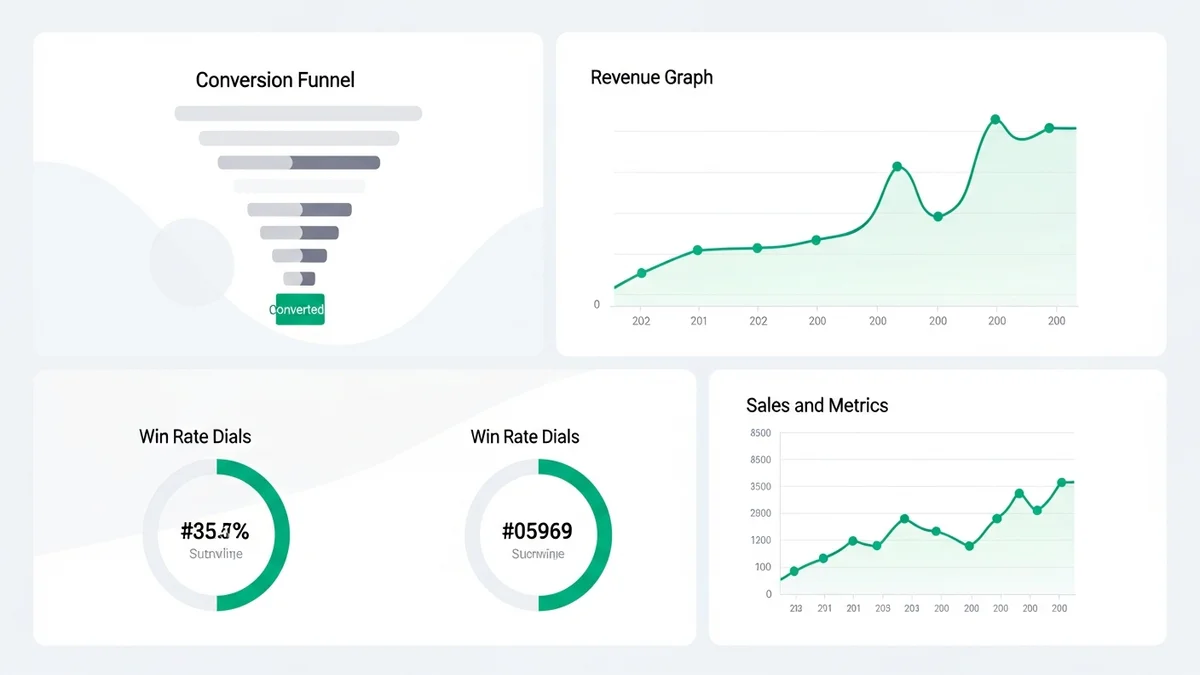
When a sales playbook is properly built into a CRM and consistently used, three things happen that are measurably good for revenue. First, ramp time for new hires drops — because the knowledge they need to succeed is embedded in the tool they use daily, not locked inside the heads of their senior colleagues. Second, deal quality improves — because entry and exit criteria prevent deals that shouldn't be in the pipeline from cluttering it. Third, coaching becomes data-driven — because managers can see exactly where playbook steps were skipped and correlate that to deal outcomes.
The sales teams that outperform their peers in 2026 are not necessarily the ones with better products or more aggressive outreach. They're the ones that have successfully systemized what their best people do naturally — and made that knowledge available to everyone, in context, at the moment it matters. A CRM-embedded sales playbook is how that systemization happens. Start building yours this quarter, not next one.