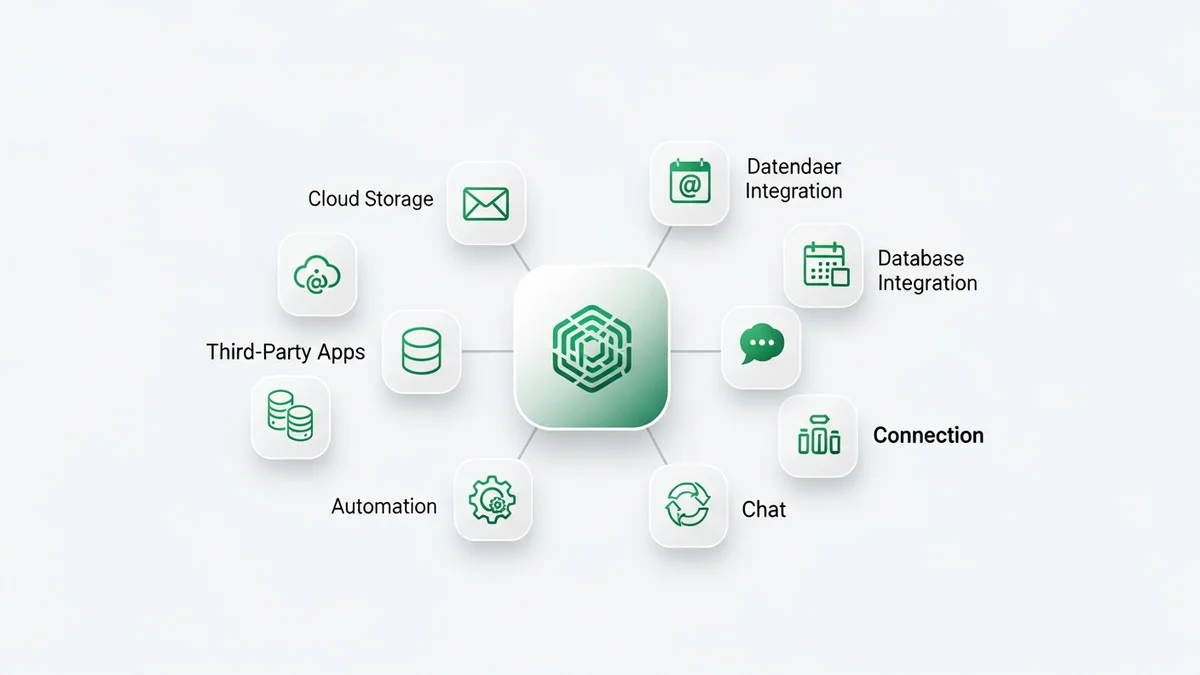

Pipedrive is a powerful sales CRM on its own, but the real magic happens when you connect it to the rest of your tech stack. With over 500 native integrations in the Pipedrive Marketplace and thousands more available through Zapier and Make, you can build an automated sales engine that eliminates manual data entry and keeps every tool in sync. This guide covers the best Pipedrive integrations for startups in 2026, organized by category, with setup instructions to get you connected fast.
Pipedrive Integration Ecosystem Overview
Pipedrive takes a marketplace-first approach to integrations. The official Pipedrive Marketplace hosts over 500 apps that connect directly to your CRM, covering categories from email and communication to lead generation, project management, and accounting. Each integration in the marketplace includes ratings, reviews, and setup documentation, making it easy to evaluate before installing.
Beyond the native marketplace, Pipedrive connects to over 8,000 additional apps through Zapier, the popular automation platform. For teams that prefer Make (formerly Integromat), Pipedrive is also a supported connector with hundreds of pre-built scenarios. And for custom needs, the Pipedrive REST API provides full programmatic access to contacts, deals, activities, and pipelines.
The key takeaway is that Pipedrive rarely leaves you stranded. Whether your tool of choice has a native integration, a Zapier connector, or an API endpoint, there is almost always a way to connect it. For an overview of how Pipedrive fits into the broader CRM landscape, see our full Pipedrive review.
Top 10 Must-Have Pipedrive Integrations
Not all integrations are created equal. Here are the ten that deliver the most value for startup sales teams, based on time saved, data quality improved, and revenue impact:
- Slack: Get real-time deal notifications in your team channels. When a deal moves to a new stage, is won, or is lost, Slack alerts keep everyone informed without logging into the CRM.
- Google Workspace (Gmail + Calendar): Two-way email sync, calendar scheduling, and contact sync. This is a non-negotiable integration for any team using Google.
- Zapier: The ultimate connector. Automate workflows between Pipedrive and thousands of apps including Typeform, Stripe, QuickBooks, and more.
- Mailchimp: Sync contacts between Pipedrive and your email marketing lists. Segment customers by deal stage and trigger campaigns based on CRM events.
- PandaDoc: Create, send, and e-sign proposals and contracts directly from Pipedrive deal records. Autofill fields from your CRM data to eliminate manual entry.
- Calendly: Let prospects book meetings on your calendar with a single link. New bookings automatically create contacts and activities in Pipedrive.
- QuickBooks: Sync invoices and payment data between your CRM and accounting software. See revenue status alongside deal data.
- Surfe (LinkedIn): Transfer contact and company data from LinkedIn Sales Navigator directly into Pipedrive with one click. Essential for outbound sales teams.
- JustCall: Cloud phone integration with call logging, recording, and SMS capabilities built into Pipedrive. Every call is automatically logged as an activity.
- Trello: Connect your sales pipeline to project management boards. When a deal is won, automatically create a Trello card for the onboarding or delivery team.
Email and Communication Integrations
Email is at the center of every sales process, and Pipedrive offers deep integration with the tools your team uses daily.
Gmail and Google Workspace: The native Google integration provides two-way email sync, meaning emails sent from Gmail appear in Pipedrive and vice versa. You also get contact sync, calendar integration for scheduling, and Google Drive access for attaching documents to deals. Setup takes less than two minutes through OAuth.
Microsoft Outlook and Office 365: Similar to the Google integration, the Outlook connector syncs emails, calendar events, and contacts. If your startup runs on Microsoft, this integration ensures Pipedrive fits seamlessly into your existing workflow.
Slack: Beyond basic notifications, the Slack integration supports creating deals from Slack messages, searching CRM data with slash commands, and sharing deal summaries in channels. For teams that live in Slack, this keeps CRM data accessible without context switching.
Zoom: Schedule and launch video meetings directly from Pipedrive. Meeting recordings and transcripts are linked to the relevant deal record, so you always have context for follow-up.
For teams evaluating alternatives that include built-in communication tools, compare our roundup of sales CRM platforms to see which options include calling and email natively.
Newsletter
Get the latest SaaS reviews in your inbox
By subscribing, you agree to receive email updates. Unsubscribe any time. Privacy policy.
Marketing and Lead Generation Integrations
Generating leads is only half the battle. These integrations ensure new leads flow directly into your pipeline without manual work.
Mailchimp: The bidirectional sync between Pipedrive and Mailchimp lets you segment email lists based on deal stage, pipeline, or custom fields. When a lead opens a campaign email, that engagement data appears in Pipedrive, giving your sales team context before they call.
ActiveCampaign: For startups that use ActiveCampaign for marketing automation, the Pipedrive integration syncs contacts, deal data, and tags between both platforms. Trigger marketing sequences when deals reach specific stages, or create deals in Pipedrive when contacts meet lead scoring thresholds in ActiveCampaign.
Cognism: A data enrichment tool that provides verified B2B contact data including direct dials and email addresses. The Pipedrive integration enriches existing contacts and helps reps prospect new leads without leaving the CRM.
Leadfeeder: Identifies companies visiting your website by matching IP addresses to company databases. New website visitors are automatically added as leads in Pipedrive with company information and page visit history.
Typeform and JotForm: Connect web forms to Pipedrive so every form submission creates a new contact, deal, or lead automatically. Map form fields to CRM fields for clean data entry.
Automation Integrations: Zapier and Make
Zapier and Make are the two major automation platforms that extend Pipedrive far beyond its native integration catalog.
Zapier connects Pipedrive to over 8,000 apps through automated workflows called Zaps. Popular Pipedrive Zaps include:
- New Pipedrive deal creates a Slack channel for the account
- Won deal triggers an invoice in QuickBooks or Stripe
- New form submission in Typeform creates a Pipedrive contact and deal
- Lost deal triggers a re-engagement email sequence in Mailchimp
- New activity in Pipedrive logs to a Google Sheet for custom reporting
Zapier pricing starts free for basic automations (100 tasks per month) and scales based on usage. For most startup teams, the Starter plan handles the volume needed.
Make (formerly Integromat) offers more complex multi-step automation scenarios with visual workflow builders. Make is often preferred by technical teams because it supports conditional logic, data transformation, and error handling within a single scenario. The Pipedrive module in Make supports triggers and actions for deals, contacts, activities, products, and organizations.
If you want to learn more about how automation saves time across your CRM workflows, read our guide on how CRM automation saves startups time.
How to Set Up Pipedrive Integrations
Installing most Pipedrive integrations takes just a few steps:
- Open the Pipedrive Marketplace from the left sidebar in your Pipedrive account. Browse by category or search for the specific tool you need.
- Review the integration details. Each listing shows a description, screenshots, user reviews, and the permissions the app requires. Check the rating and review count before installing.
- Click Install and follow the OAuth flow. Most integrations use OAuth authentication, meaning you log into the third-party tool and grant Pipedrive permission to access your data. No API keys or manual configuration needed.
- Configure sync settings. After installation, most integrations allow you to customize what data syncs, how often, and in which direction. Set these up carefully to avoid duplicate records.
- Test the connection. Create a test deal or contact and verify it appears in the connected tool. Check that automation triggers fire correctly before relying on them for production workflows.
For Zapier integrations, the process is slightly different: create an account on Zapier, search for Pipedrive, choose a trigger event and an action in the target app, and map your fields. Zapier provides templates for popular workflows that you can deploy in minutes.
If you are still evaluating whether Pipedrive is the right CRM for your integration needs, our HubSpot vs Pipedrive comparison breaks down the differences in integration ecosystems between the two platforms.
Conclusion
Pipedrive's integration ecosystem is one of its strongest advantages for startups. With 500-plus native integrations, Zapier connectivity to 8,000 apps, and a well-documented API, you can connect virtually any tool in your stack to your CRM. The key is to start with the essentials like email, calendar, and communication, then add automation through Zapier or Make as your processes mature, and only install additional integrations when you have a clear use case. Over-integrating creates complexity without value. Focus on the connections that eliminate manual data entry, keep your team informed in real time, and move deals through the pipeline faster. For a broader look at which CRMs offer the strongest integration capabilities, explore our complete CRM directory.